 English
  Français
 Deutsch
 Español
 Italiano
 Nederlands
 Português
 Русский
 中文 (中国)
 한국어
한국어 日本語
日本語 Svenska
 Türkçe
Products: T80 Ferrari 488 GTB Edition ; T80 Racing Wheel
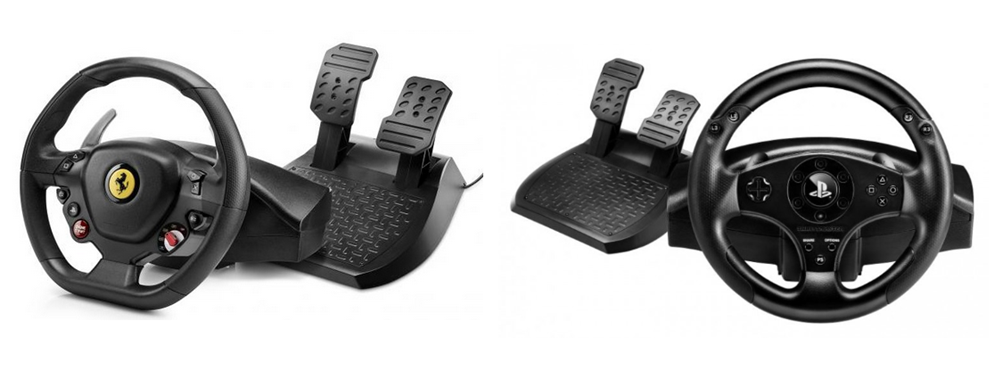
System required: PC natively running Windows® 10/11 or more recent
This article explains how to map your T80 buttons and axes in the games Forza Horizon 6 (PC version).and Forza Horizon 5 (PC version).
Driver: - Make sure you have installed the T80's Unified Drivers Package driver on your PC.
Important: |
Steps to map the T80 in Forza Horizon 6 / Forza Horizon 5 (PC version)
Use your keyboard or mouse to navigate the game.
Go to OPTIONS

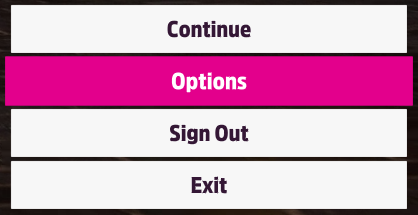
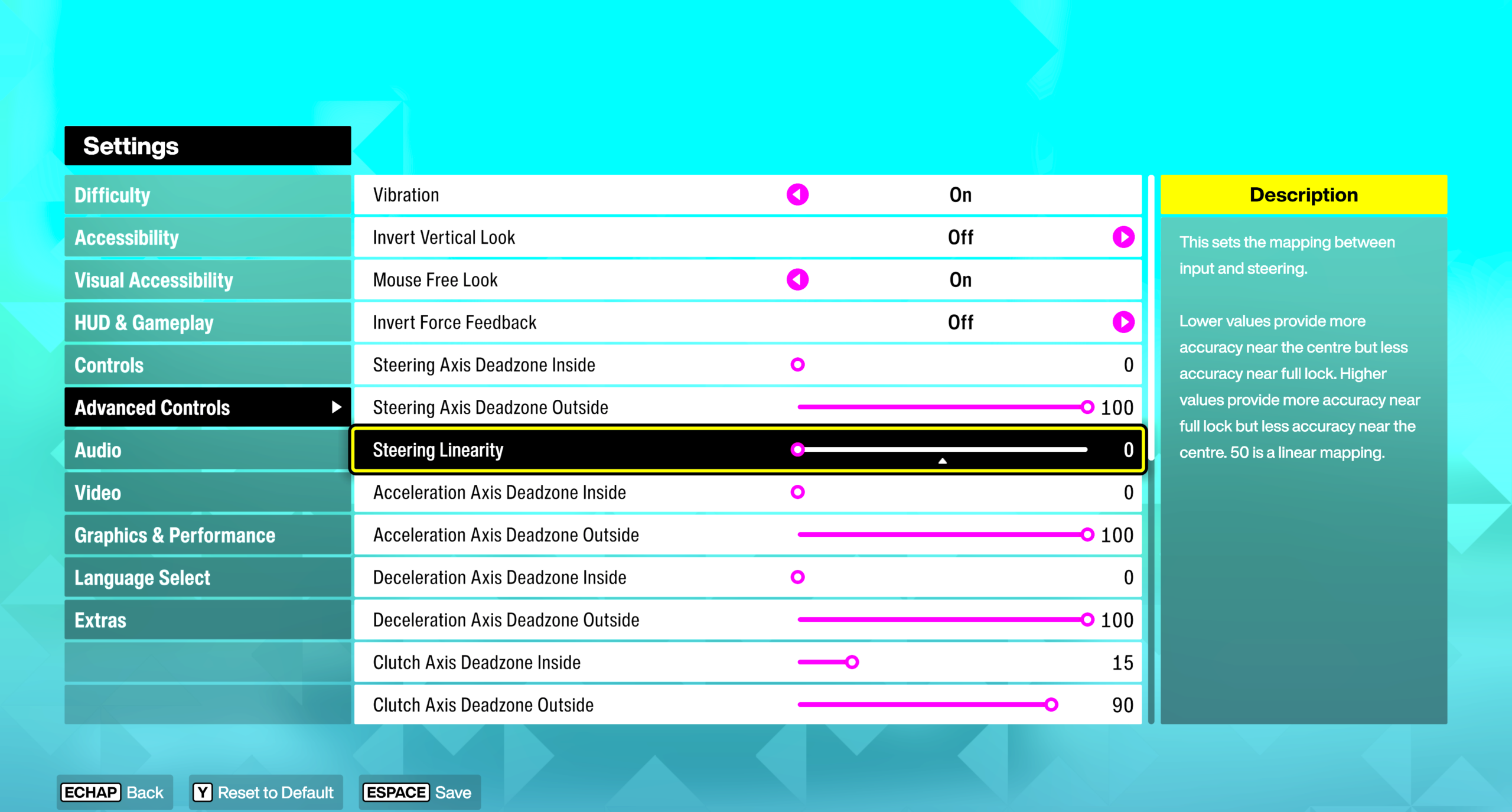
In SETTINGS select ADVANCDE CONTROLS, set STEERING LINEARITY to 0
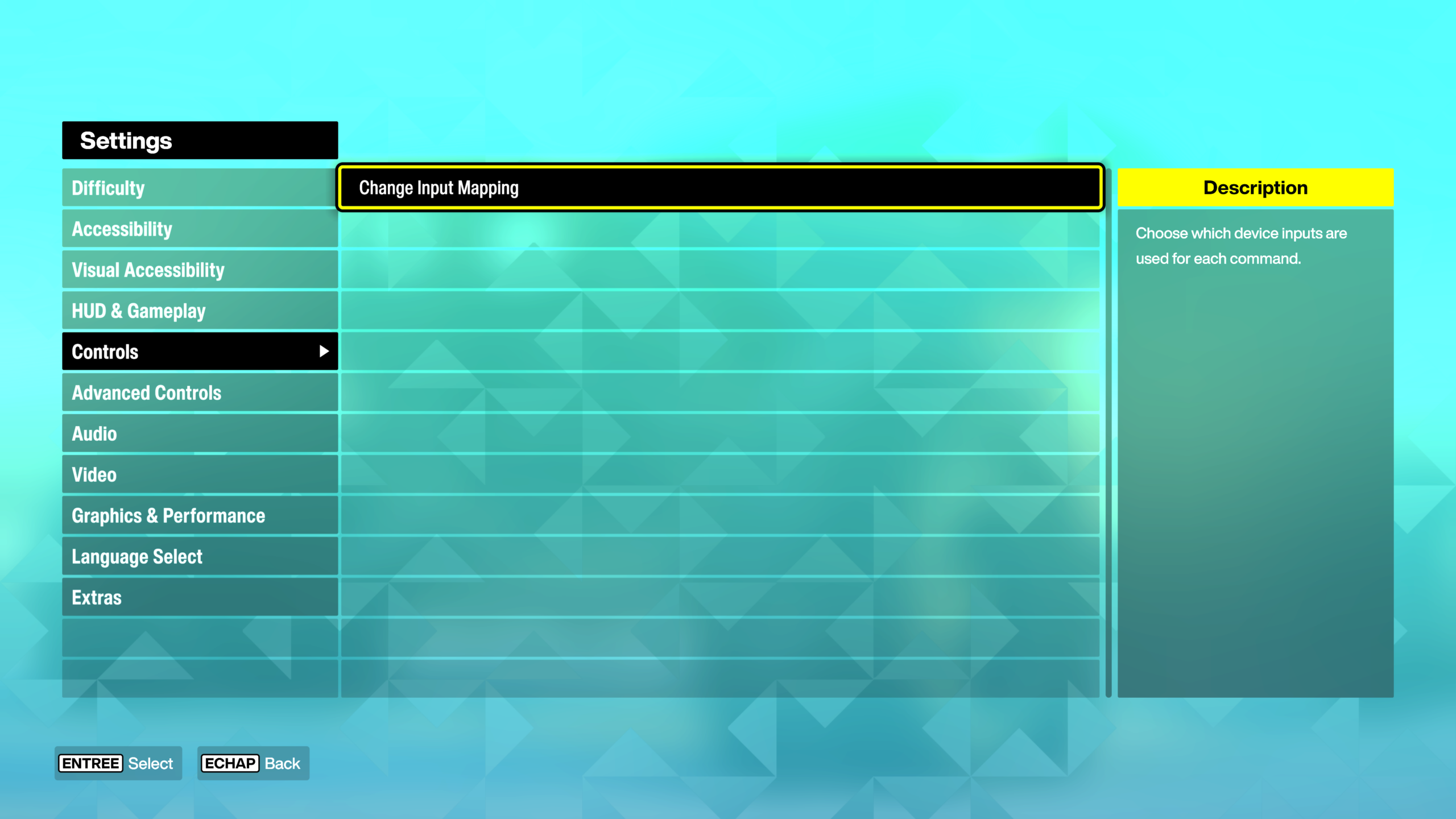
In CONTROLS
- Click CHANGE INPUT MAPPING
Click the WHEEL tab
- Select the LAYOUT line (first line)
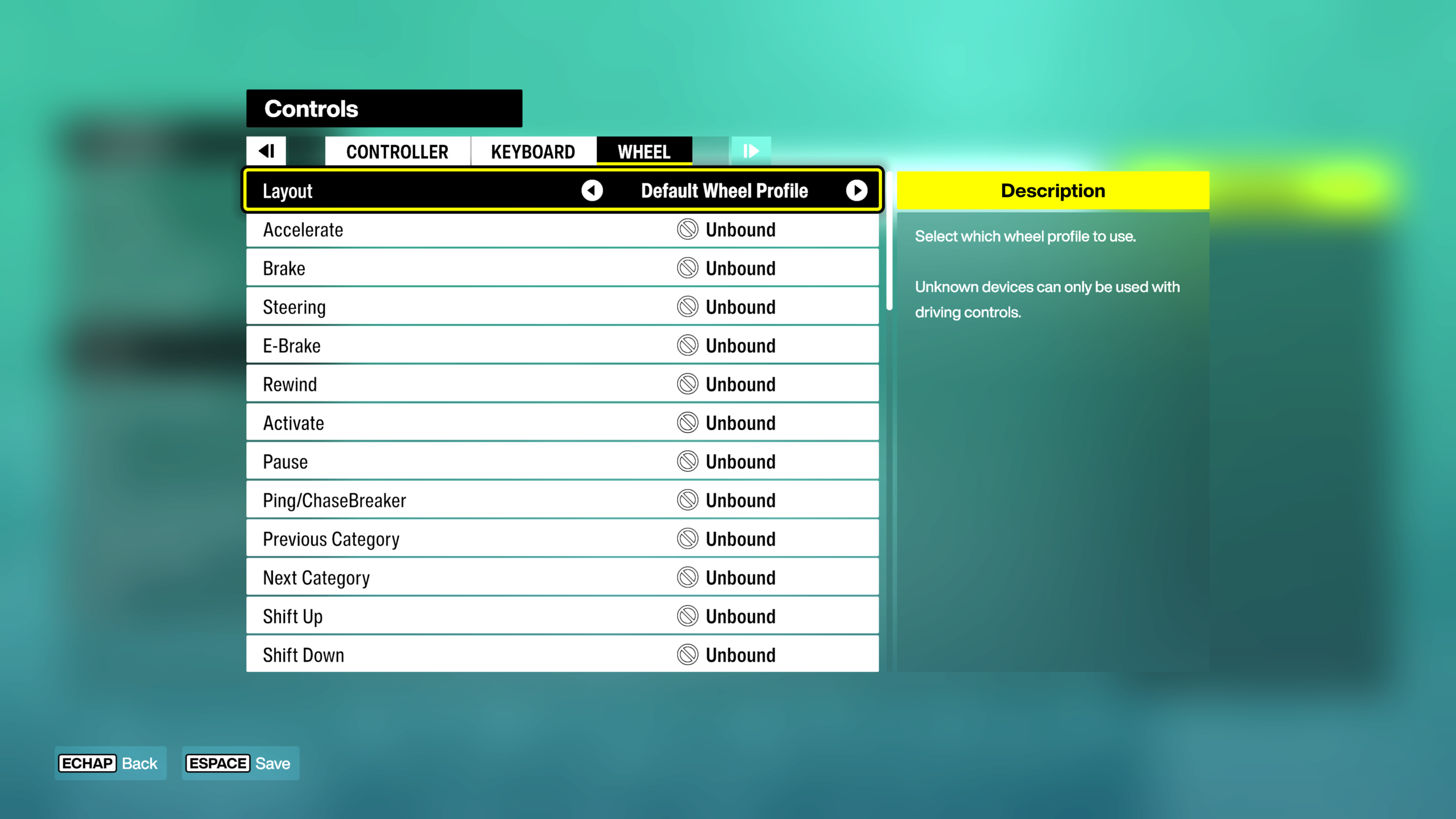
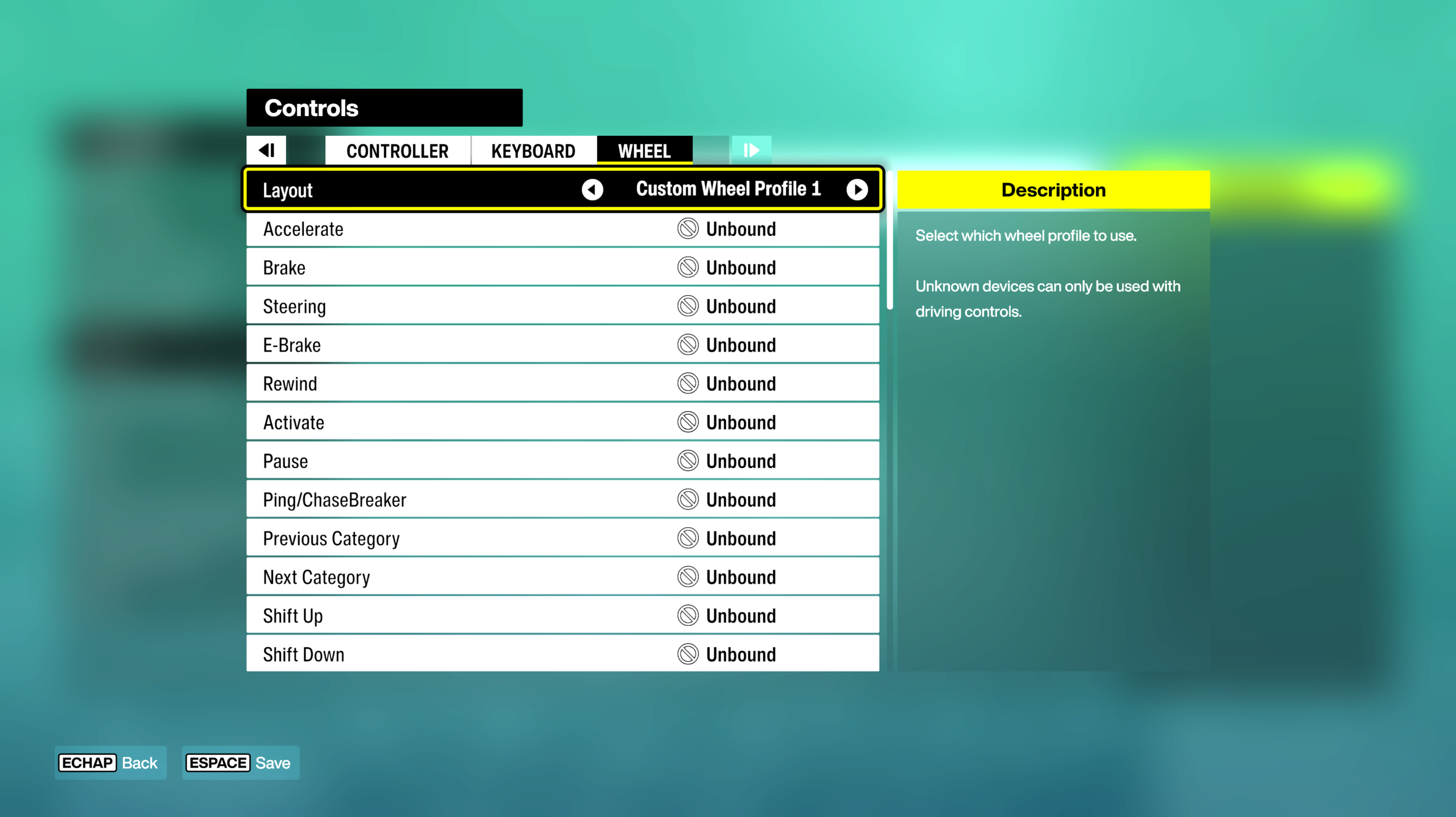
On your keyboard, press the right or left arrow to select a profile (e.g., CUSTOM WHEEL PROFILE 1)
- The axes and keys must appear as UNBOUND
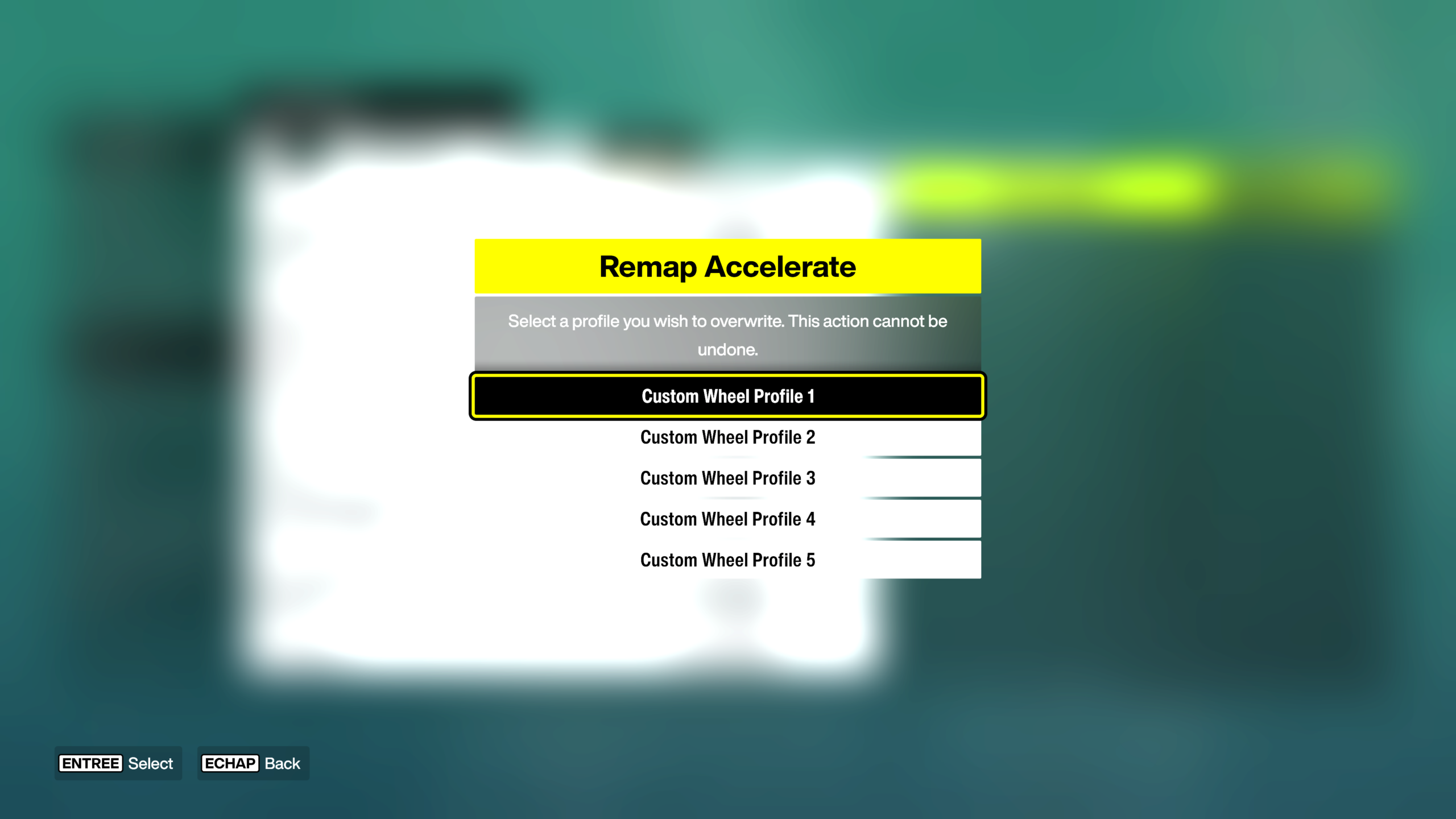
Select an unassigned row using the keyboard or mouse, then press ENTER
A countdown will appear.
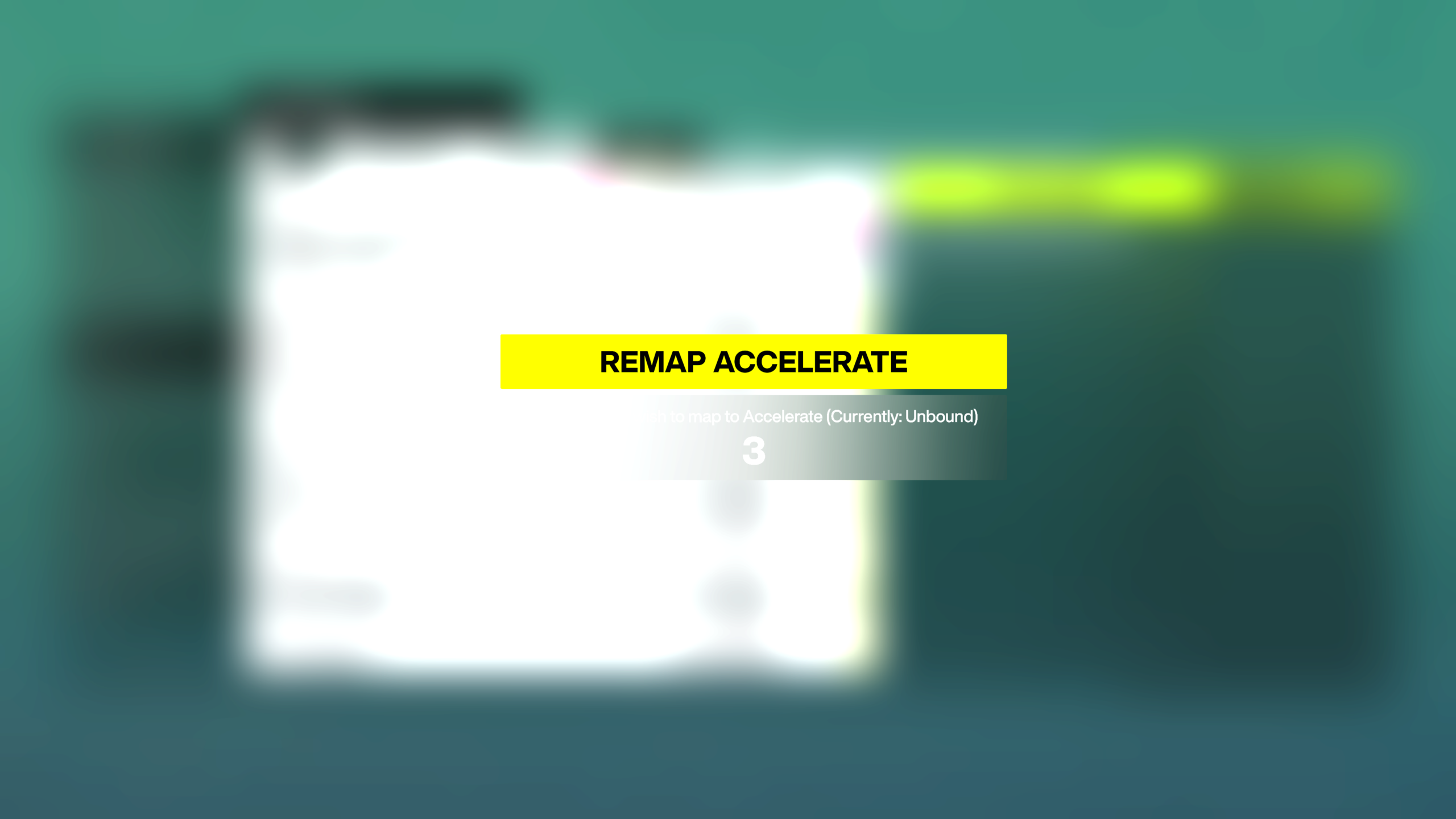
On the T80, physically activate the axis or button you want to assign.
- As a confirmation, UNBOUND will be replaced by the name of the axis or button (DEVICE 1: AXIS, etc.).
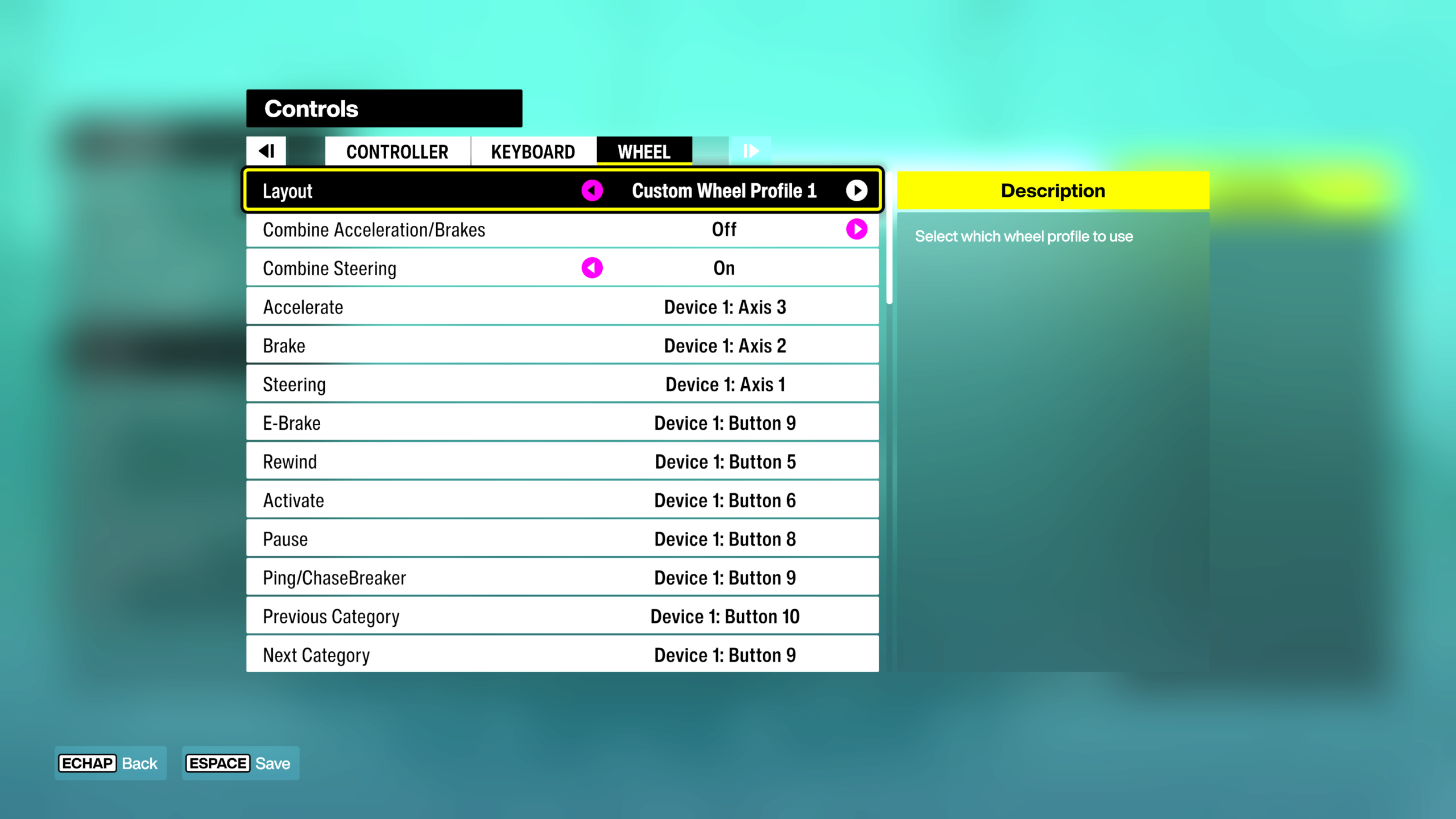
Assign all T80 buttons and axes:
- ACCELERATE = accelerator pedal
- BRAKE / REVERSE (HOLD) = brake pedal
- STEERING = steering wheel rotation
- etc.
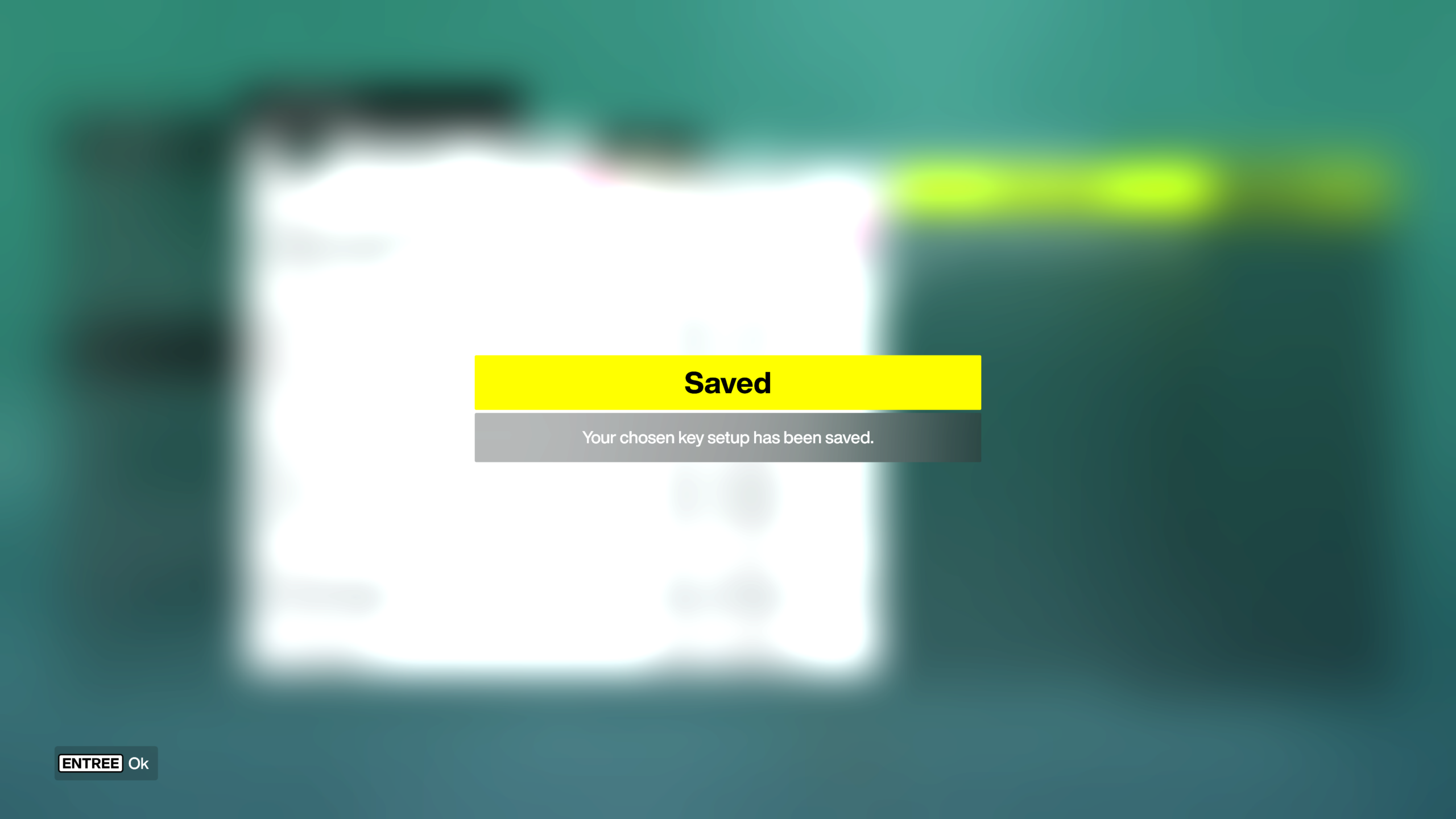
Once the mapping is complete, press the SPACE bar on your keyboard to save.
Enjoy the race!