 中文 (中国)
  Français
 English
 Deutsch
 Español
 Italiano
 Nederlands
 Português
 Русский
 한국어
한국어 日本語
日本語 Svenska
 Türkçe
产品:T80 Ferrari 488 GTB Edition ; T80 Racing Wheel
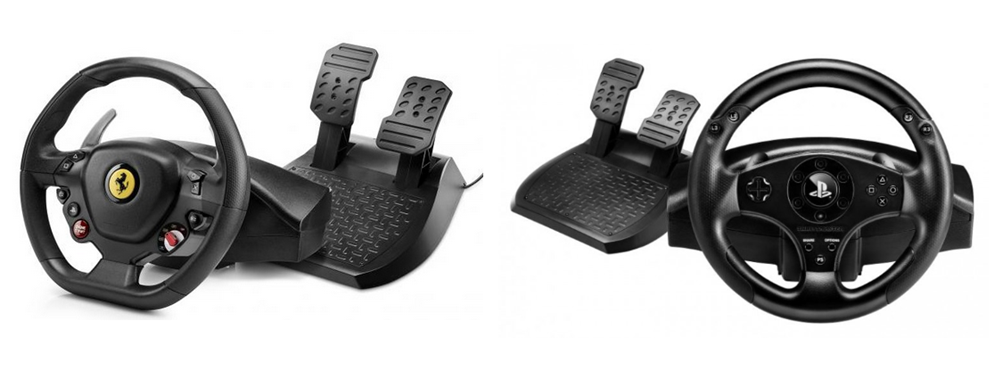
系统要求:PC 原生运行 Windows® 10/11 或更高版本
本文介绍如何在 Forza Horizon 6(PC 版本)和 Forza Horizon 5(PC 版本)游戏中,对您的 T80 按钮和轴进行映射设置。
驱动程序: - 请确保您已在 PC 上安装 T80 的 “Unified Drivers Package”(统一驱动程序包)。 重要: |
在 Forza Horizon 6 / Forza Horizon 5(PC 版本)中映射 T80 的步骤
使用键盘或鼠标导航游戏。
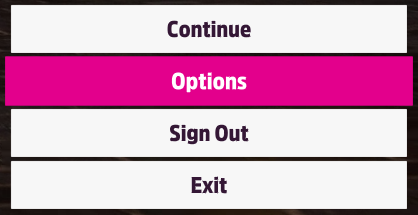
进入 OPTIONS (选项)
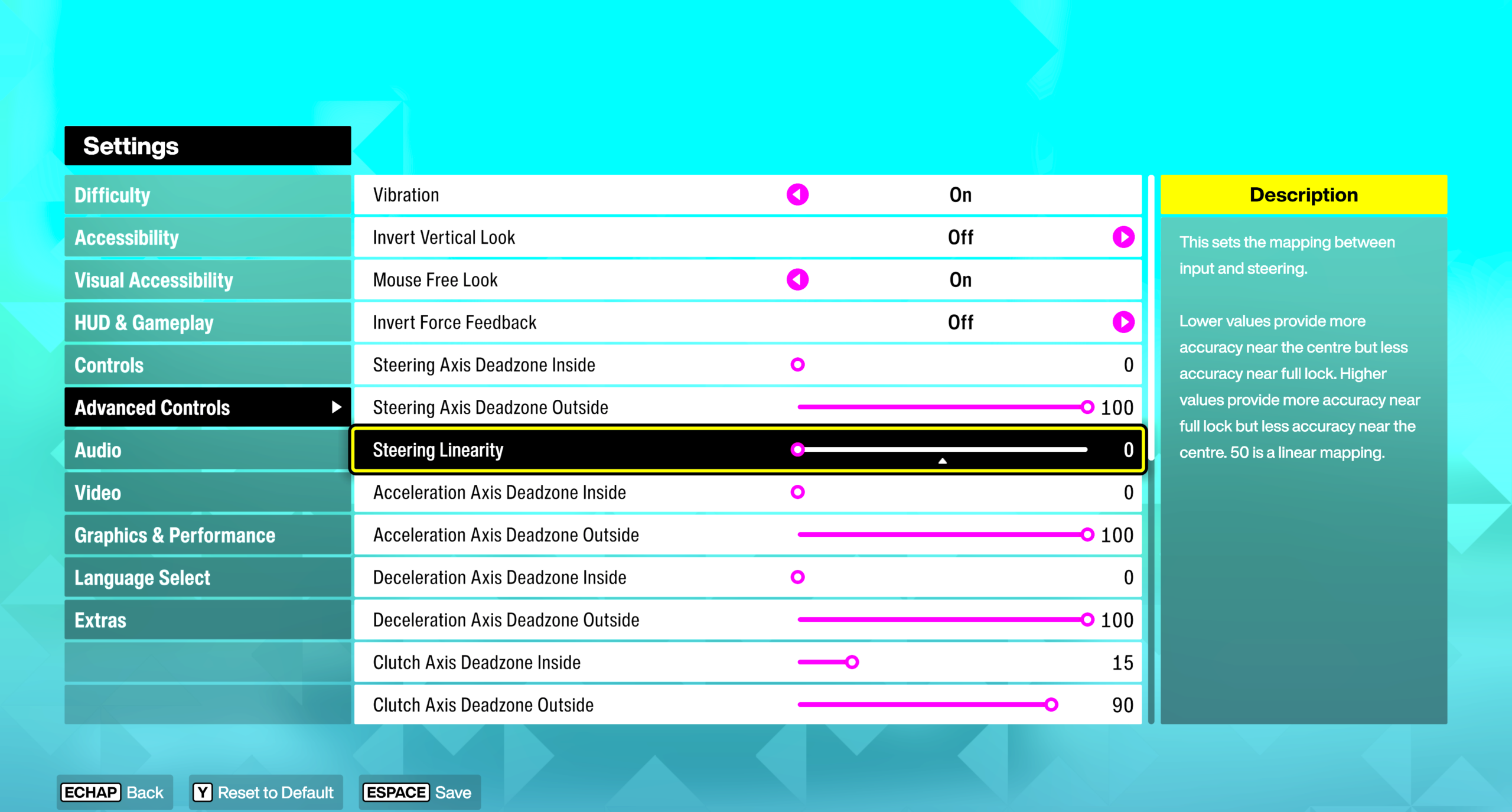
在 SETTINGS (设置) 中,选择 ADVANCED CONTROLS,并将 STEERING LINEARITY 设置为 0
在 CONTROLS (控制) 中:
- 点击 CHANGE INPUT MAPPING
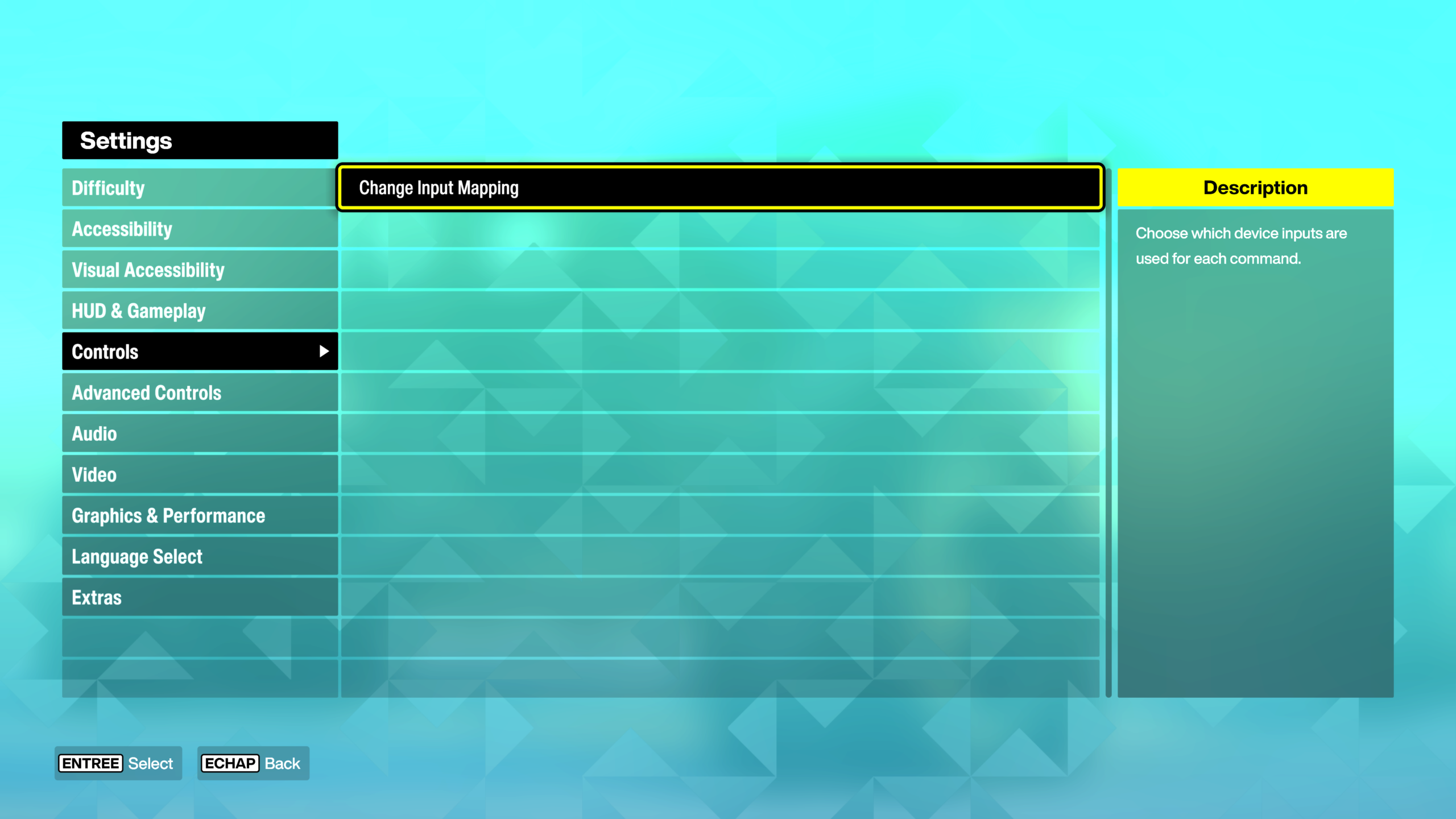
点击 WHEEL 选项卡
- 选择 LAYOUT 行(第一行)
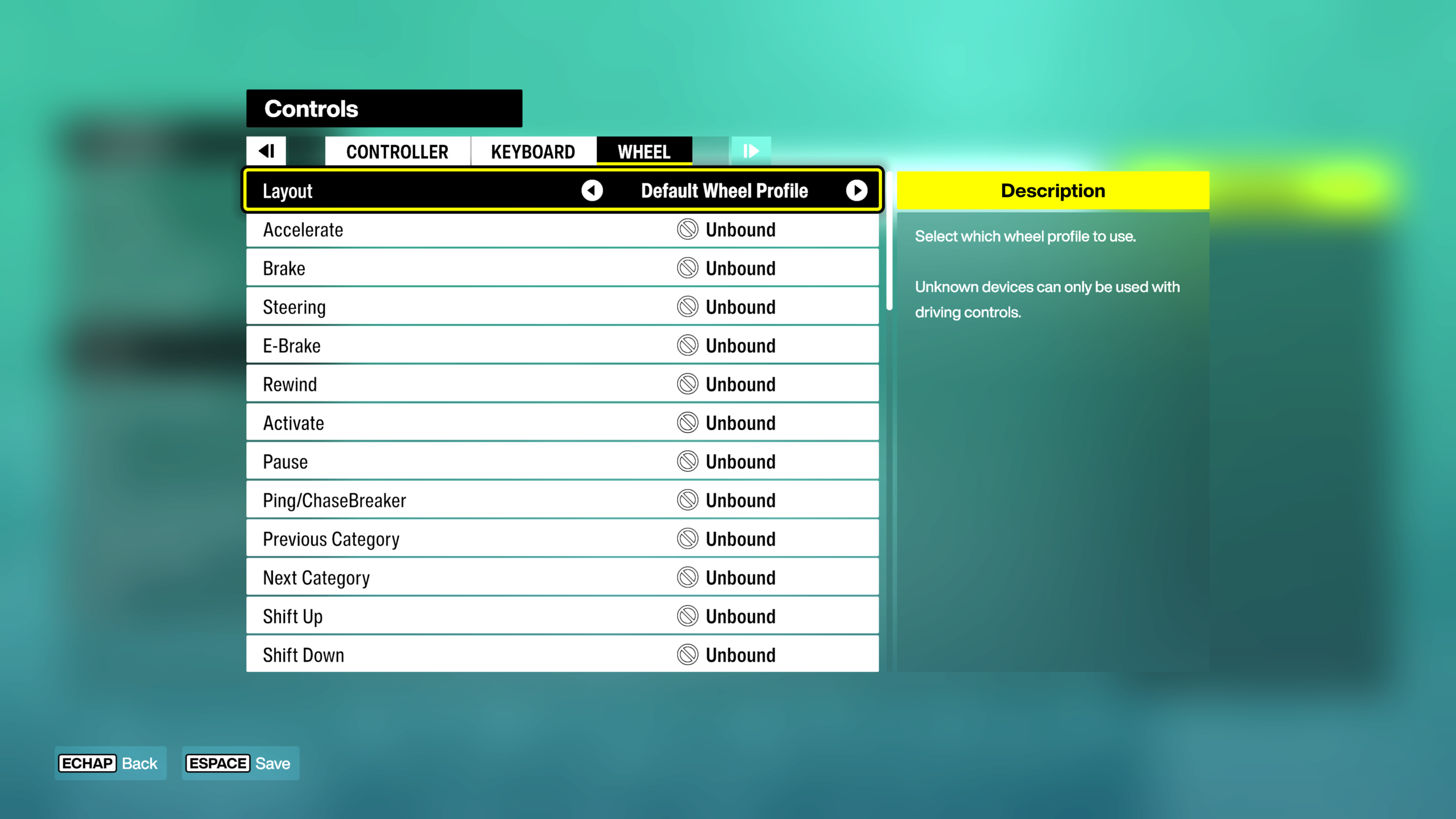
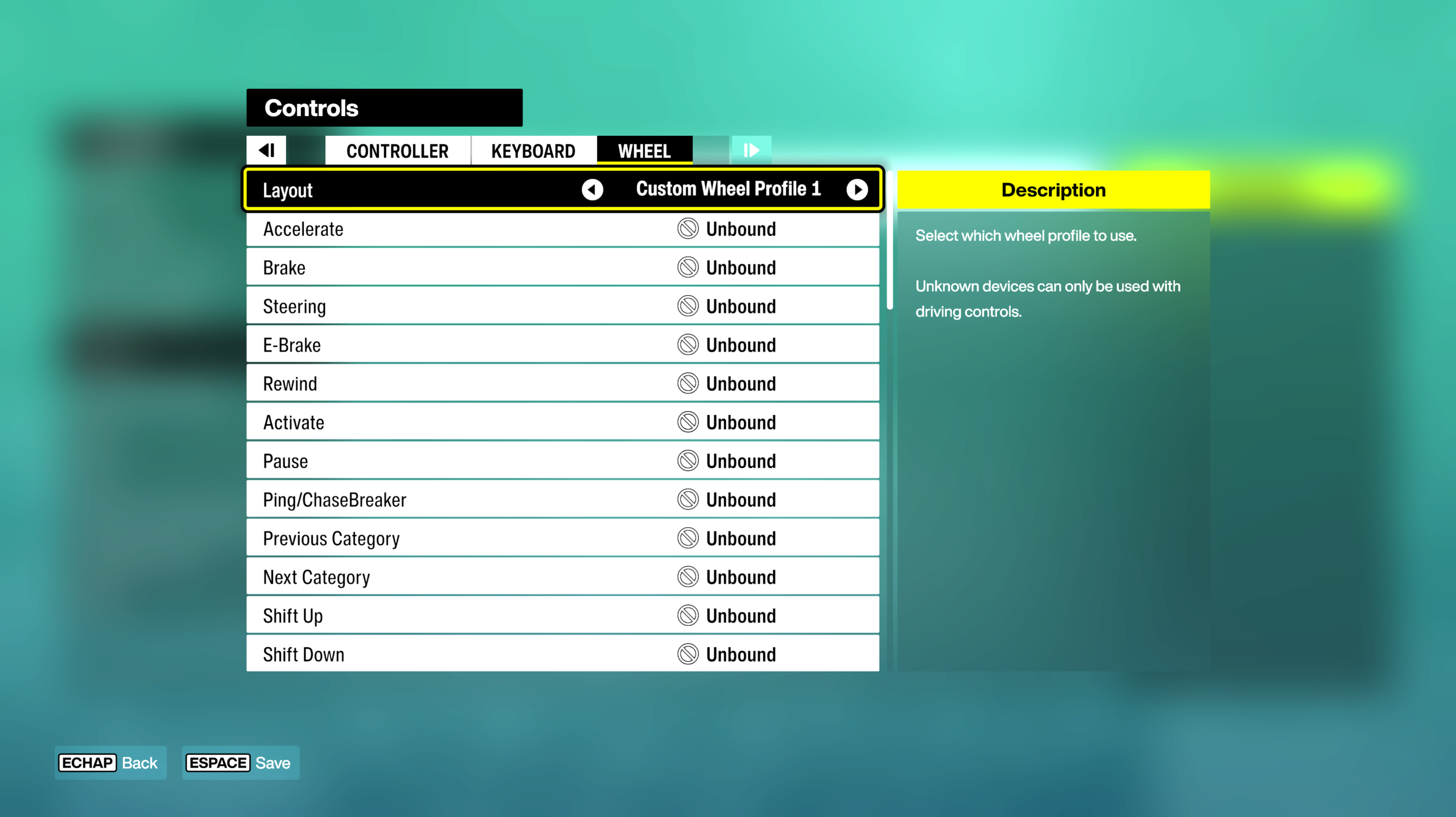
在键盘上,按左右箭头选择一个配置文件(例如:CUSTOM WHEEL PROFILE 1)
- 轴和按键应显示为 UNBOUND (未绑定)
使用键盘或鼠标选择一个未分配的行,然后按 ENTER (回车)
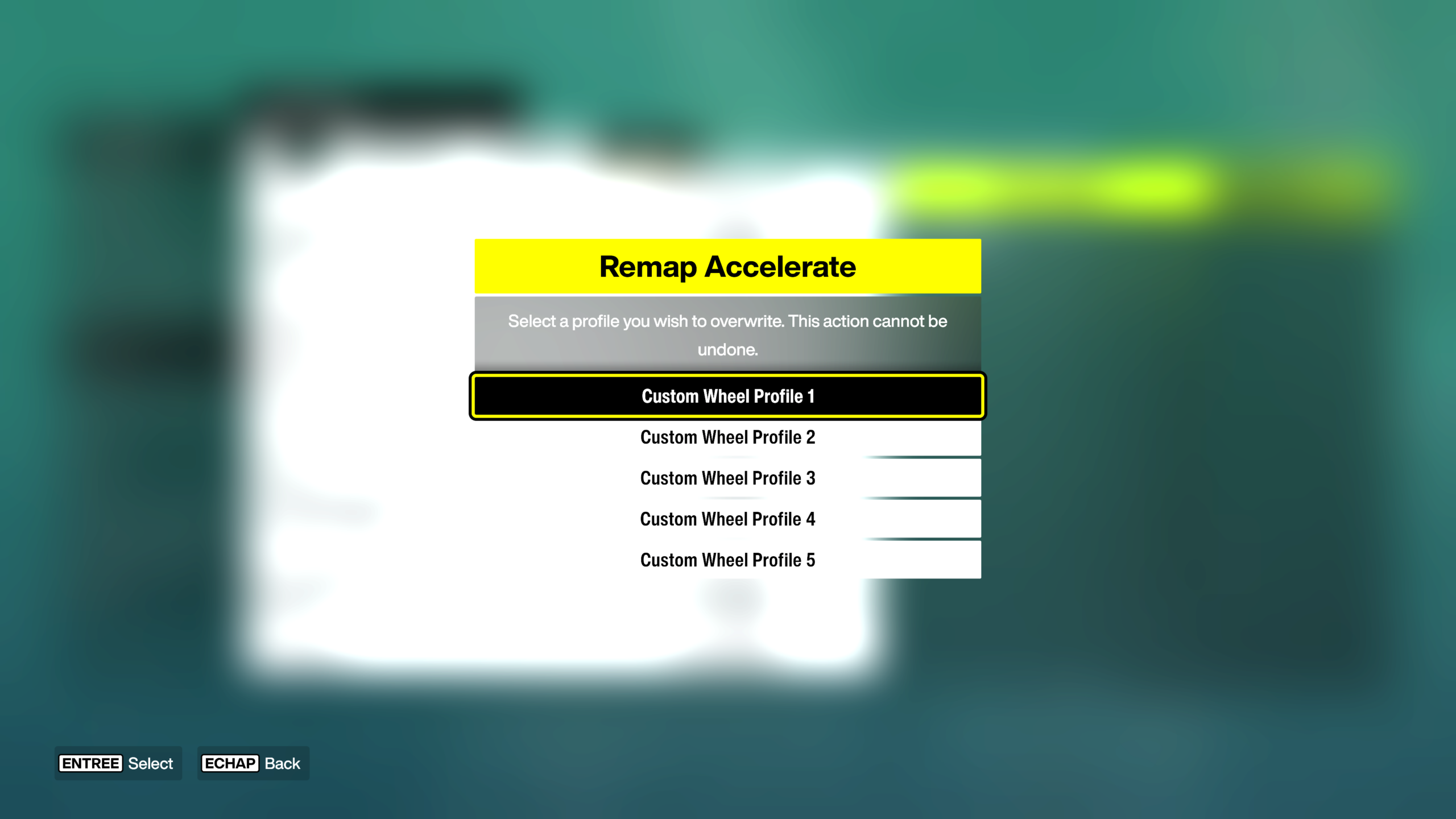
将出现倒计时。
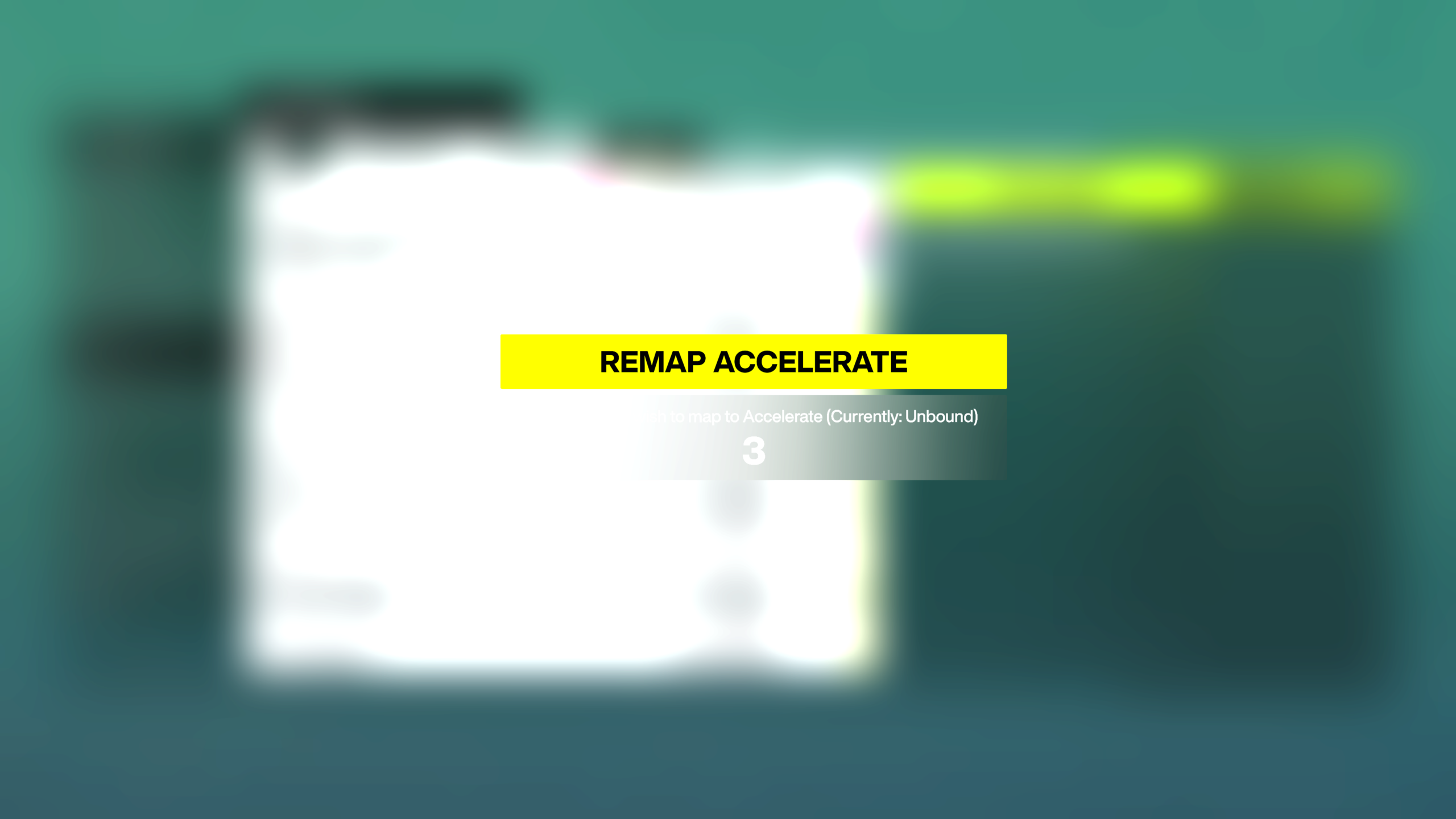
在 T80 上,物理激活您要分配的轴或按钮。
- 确认后,UNBOUND 将被轴或按钮的名称替换(例如:DEVICE 1: AXIS)。
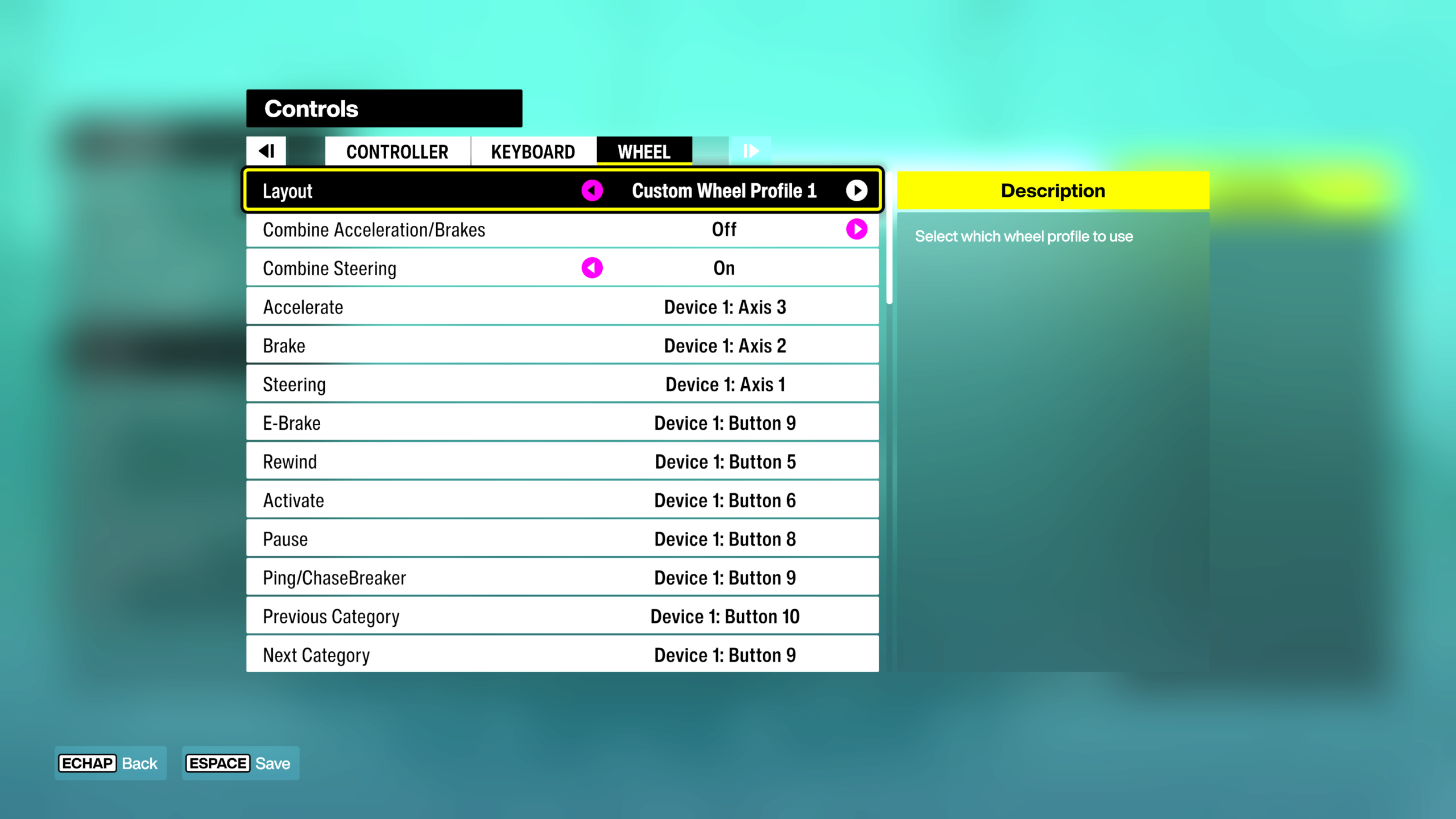
分配所有 T80 按钮和轴:
- ACCELERATE = 加速踏板
- BRAKE / REVERSE (HOLD) = 刹车踏板
- STEERING = 方向盘旋转
- 等等。
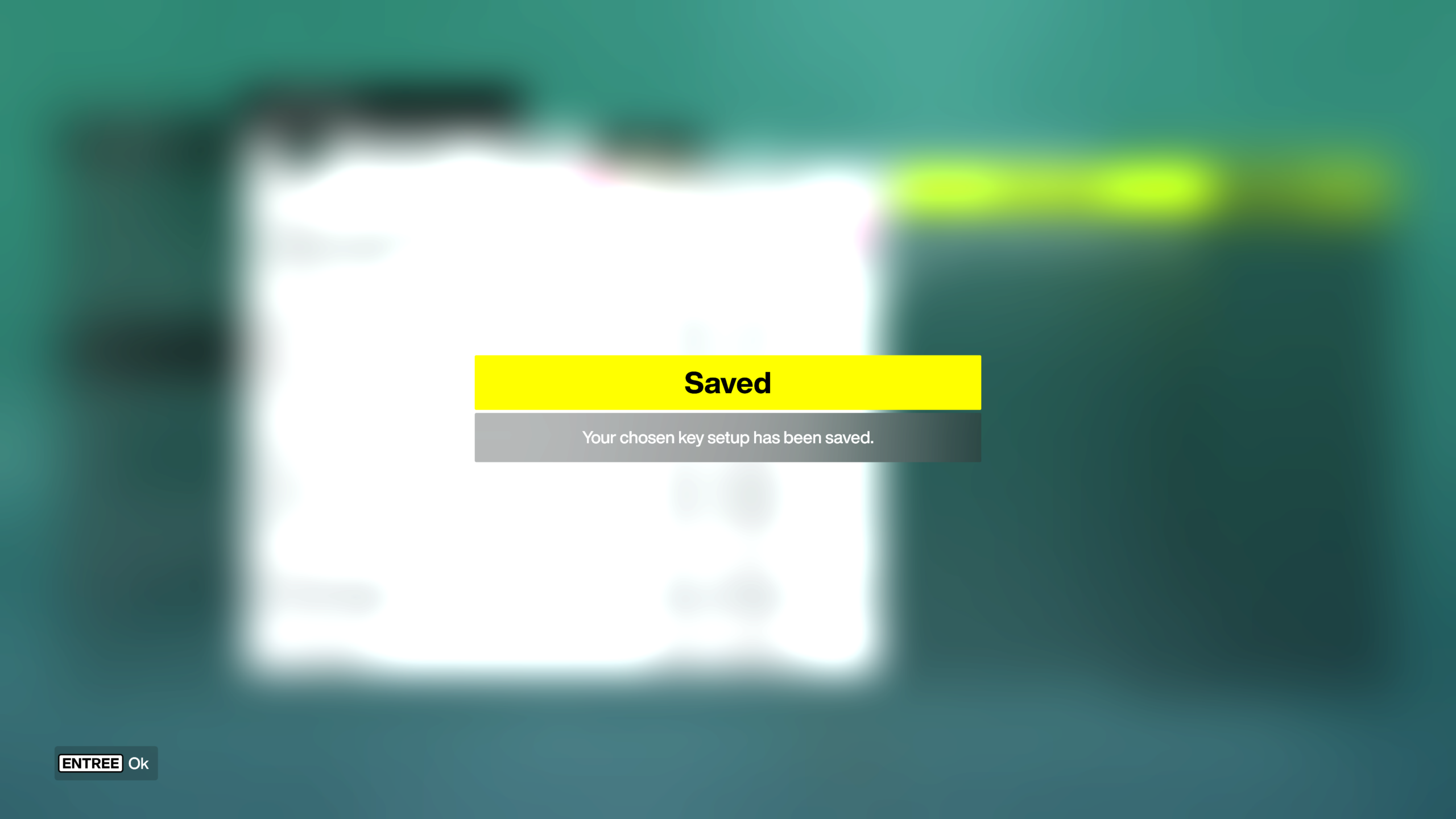
映射完成后,按键盘上的空格键保存。
享受比赛吧!