Türkçe
  Français
 English
 Deutsch
 Español
 Italiano
 Nederlands
 Português
 Русский
 中文 (中国)
 한국어
한국어 日本語
日本語 Svenska
Product: Formula Wheel Add-On Ferrari SF1000 Edition
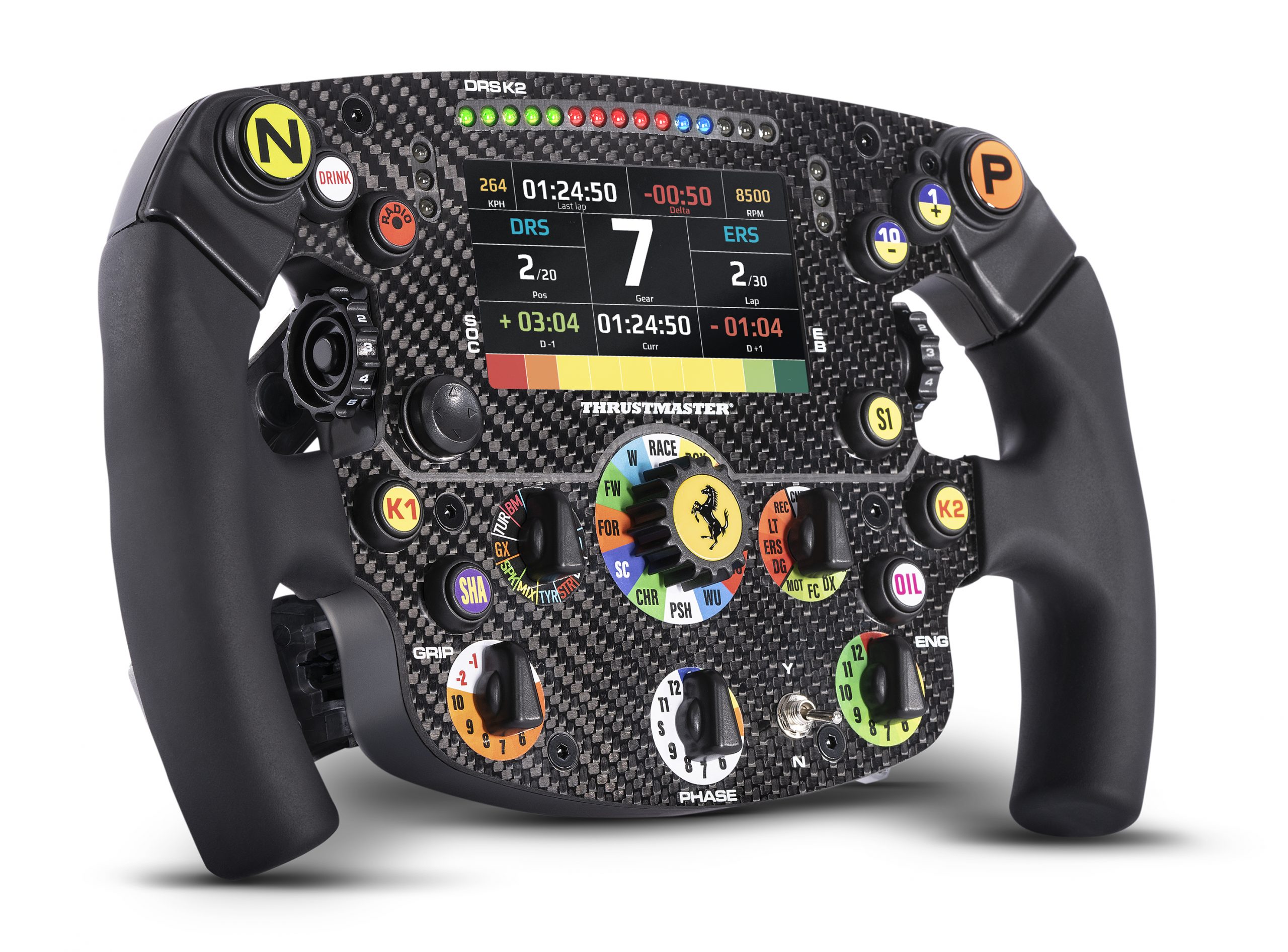
Game consoles: Xbox One™ ; Xbox Series S™ ; Xbox Series X™
This article shows the settings to apply in order to display telemetry on the Ferrari SF1000 (Wi-Fi model) screen in F1® (Formula 1) games on Xbox consoles using UDP mode.
Important: On Xbox consoles, telemetry display on the LCD screen in F1® (Formula 1) * works in two different ways:
* EA SPORTS™ versions (F1® 22, F1® 23, F1® 24, F1® 25 including the F1® 26 DLC), as well as previous versions (F1® 2019, F1® 2020, F1® 2021). |
1. Check that your Ferrari SF1000 is running the latest firmware (9.18 pour F1 25)
The latest firmware is available with driver package 2026_TTRS_2 or later. Update link.
2. Check the UDP and telemetry settings on your Ferrari SF1000
Make sure that the UDP settings are enabled according to our recommendations.
3. Apply the telemetry settings in the F1® game
In F1®, go to Telemetry Settings and make sure to confirm and save all settings. The values entered must match the settings configured on your Ferrari SF1000. The information listed below corresponds to the values that must be entered according to the UDP/Wi-Fi Configuration document (under the section ENTER YOUR WHEEL IP IN THE F1 GAME).
Depending on your version of F1®, the required information is as follows:
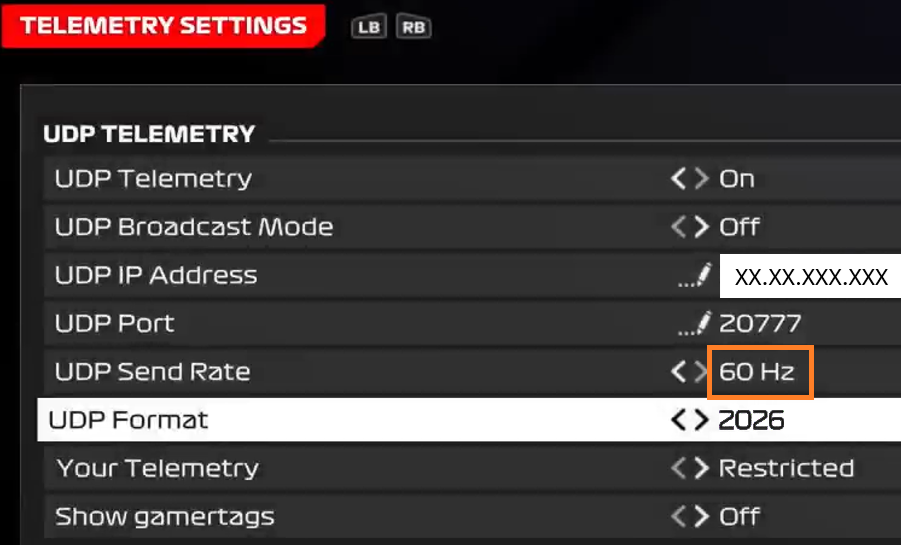
For EA SPORTS™ F1® 25 and the F1® 26 DLC, please verify the following key settings in the game's Telemetry Settings:
UDP Telemetry : On
UPD Broadcast Mode : Off
UDP IP Adress : must contain the same IP as the Ferrari SF1000
UDP Port : 20777
UDP Send Rate : 60 Hz
UDP Format* : 2026
Your Telemetry : Restricted
EA SPORTS™ F1® 25 and F1® 26 DLC
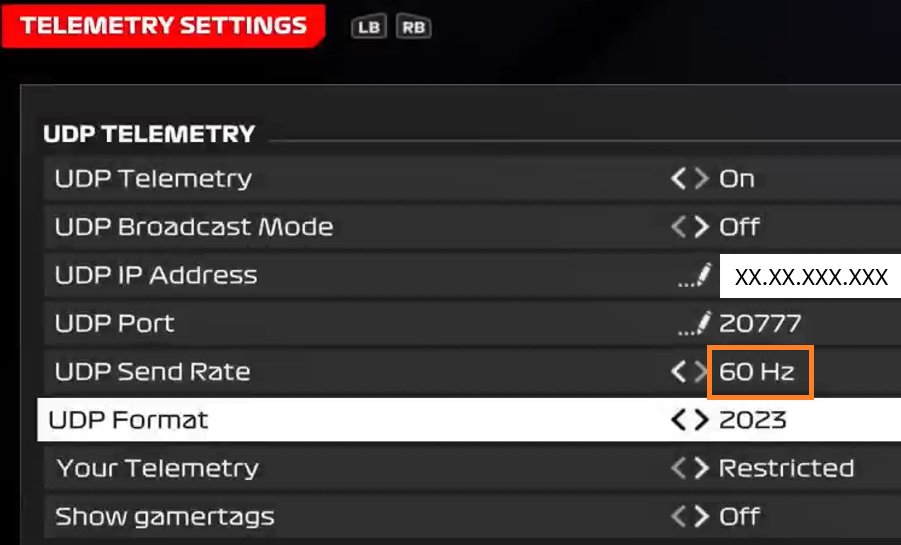
For EA SPORTS™ F1® 23 and F1® 24, please verify the following key settings in the game's Telemetry Settings:
UDP Telemetry : On
UPD Broadcast Mode : Off
UDP IP Adress : must contain the same IP as the Ferrari SF1000
UDP Port : 20777
UDP Send Rate : 120 Hz for F1® 23 / 60 Hz for F1® 24
UDP Format* : 2023
Your Telemetry : Restricted
*UDP Format corresponds to the game version containing the telemetry data you need.
For example, F1® 24 uses the F1® 23 settings because the data format is similar. However, the UDP Send Rate is different: 120 Hz for F1® 23 and 60 Hz for F1® 24.
EA SPORTS™ F1® 23
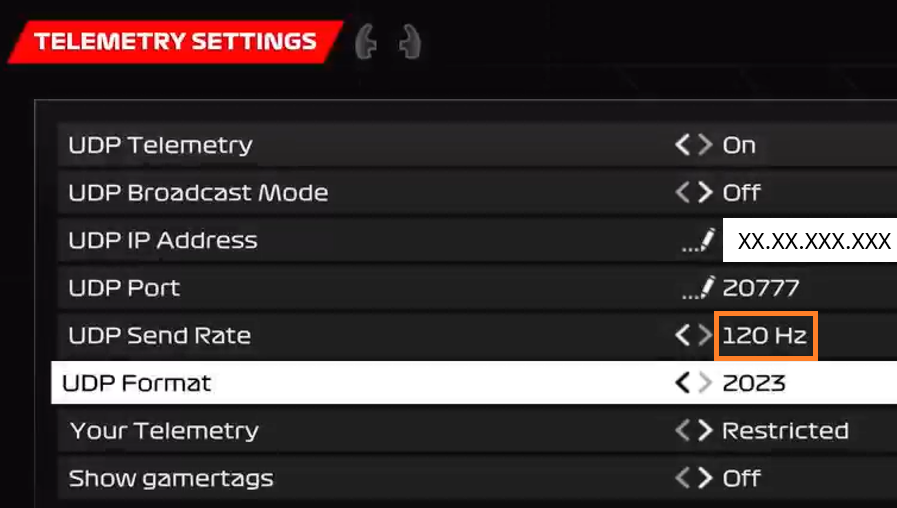
EA SPORTS™ F1® 24
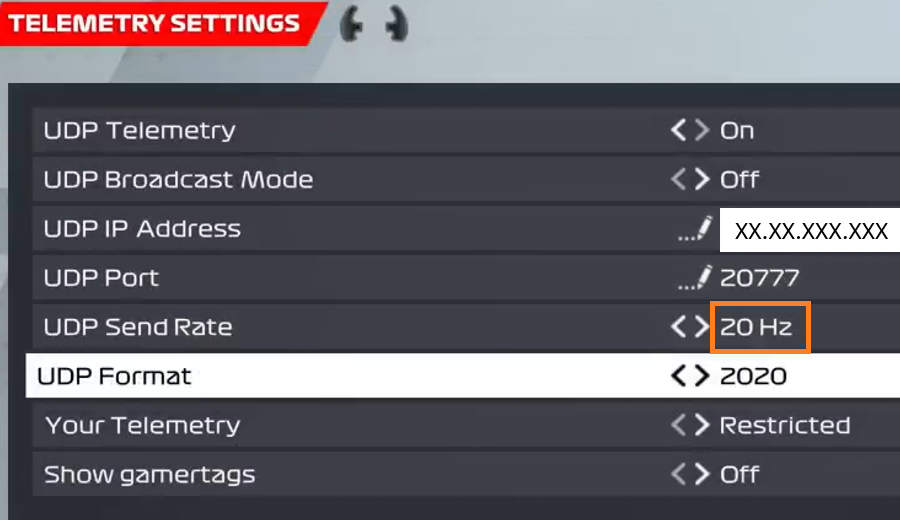
For F1® 2019, F1® 2020, F1® 2021 & F1® 2022, please verify the following key settings in the game's Telemetry Settings:
UDP Telemetry : On
UPD Broadcast Mode : Off
UDP IP Adress : must contain the same IP as the Ferrari SF1000
UDP Port : 20777
UDP Send Rate : 20 Hz
UDP Format* : 2020
Your Telemetry : Restricted
F1® 2019, F1® 2020, F1® 2021 & F1® 2022