 English
  Français
 Deutsch
 Español
 Italiano
 Nederlands
 Português
 Русский
 中文 (中国)
 한국어
한국어 日本語
日本語 Svenska
 Türkçe
Product: T.Flight Hotas 5 MSFS Special Edition
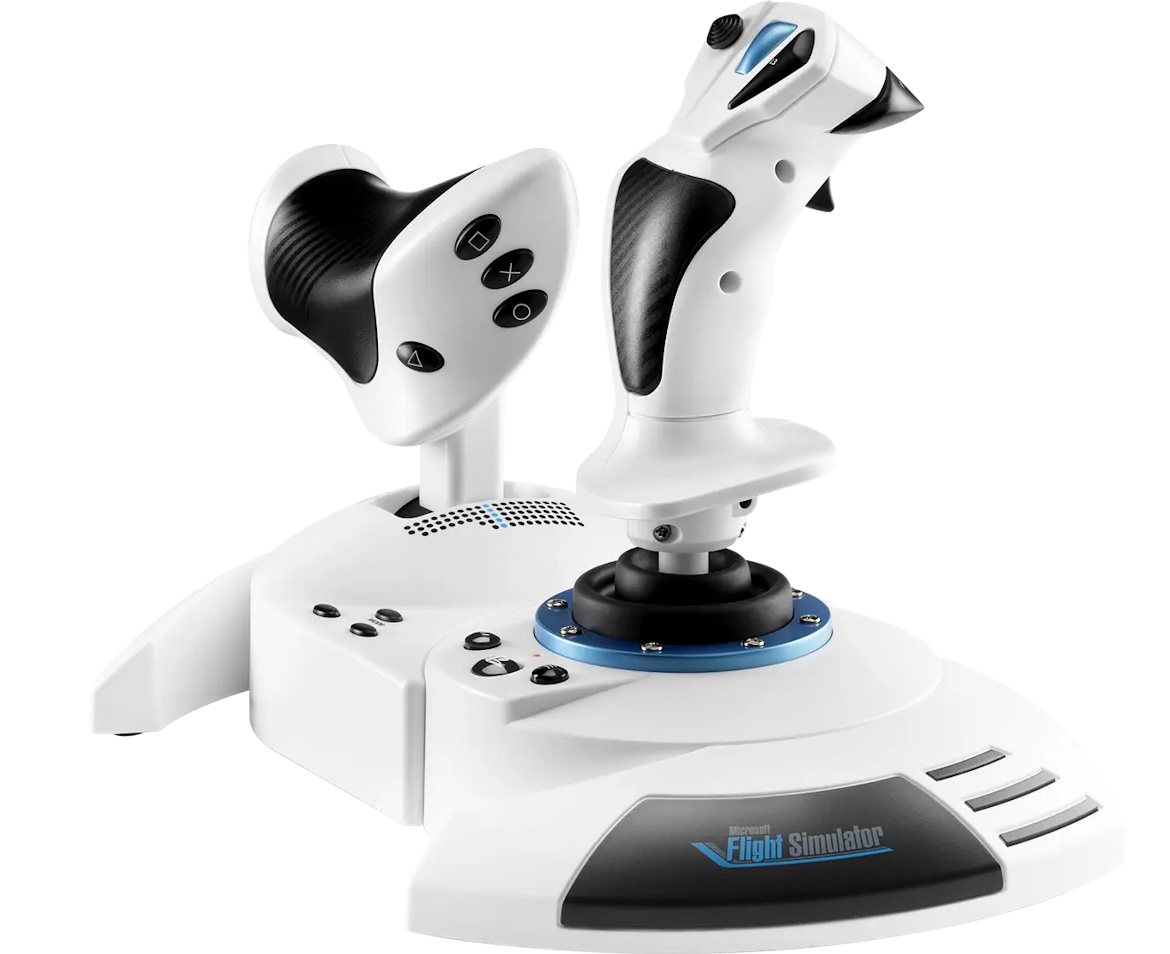
This article explains how to calibrate the throttle on the T.Flight Hotas 5 MSFS Special Edition. Calibration is recommended for optimal use.
Calibration does not require any drivers and can be performed on a PC, PS5, or PS4.
Calibration Process
1. Connect the T.Flight Hotas 5 to the PC or game console.
2. Press and hold both action buttons for 5 seconds.
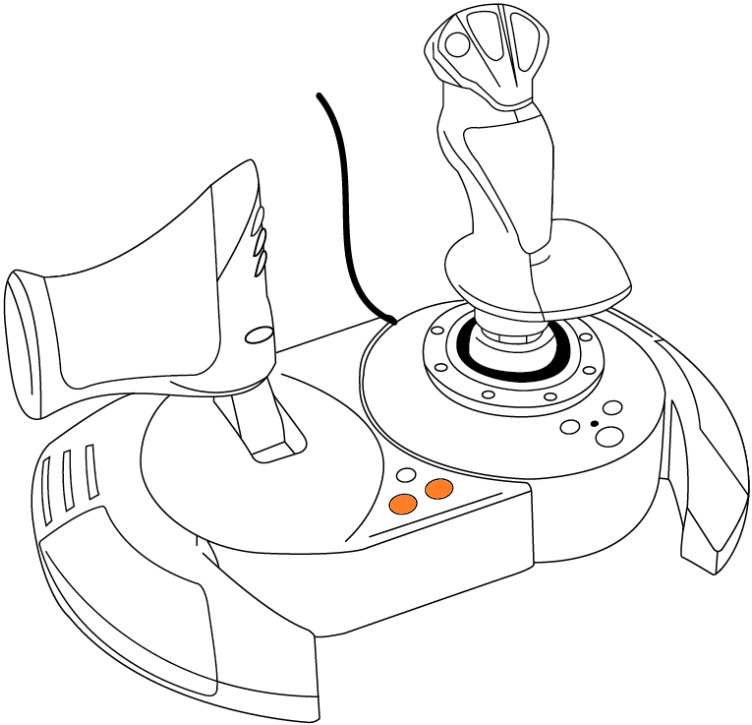
The LED starts flashing. Release the buttons.
3. Move the throttle lever to the center position.
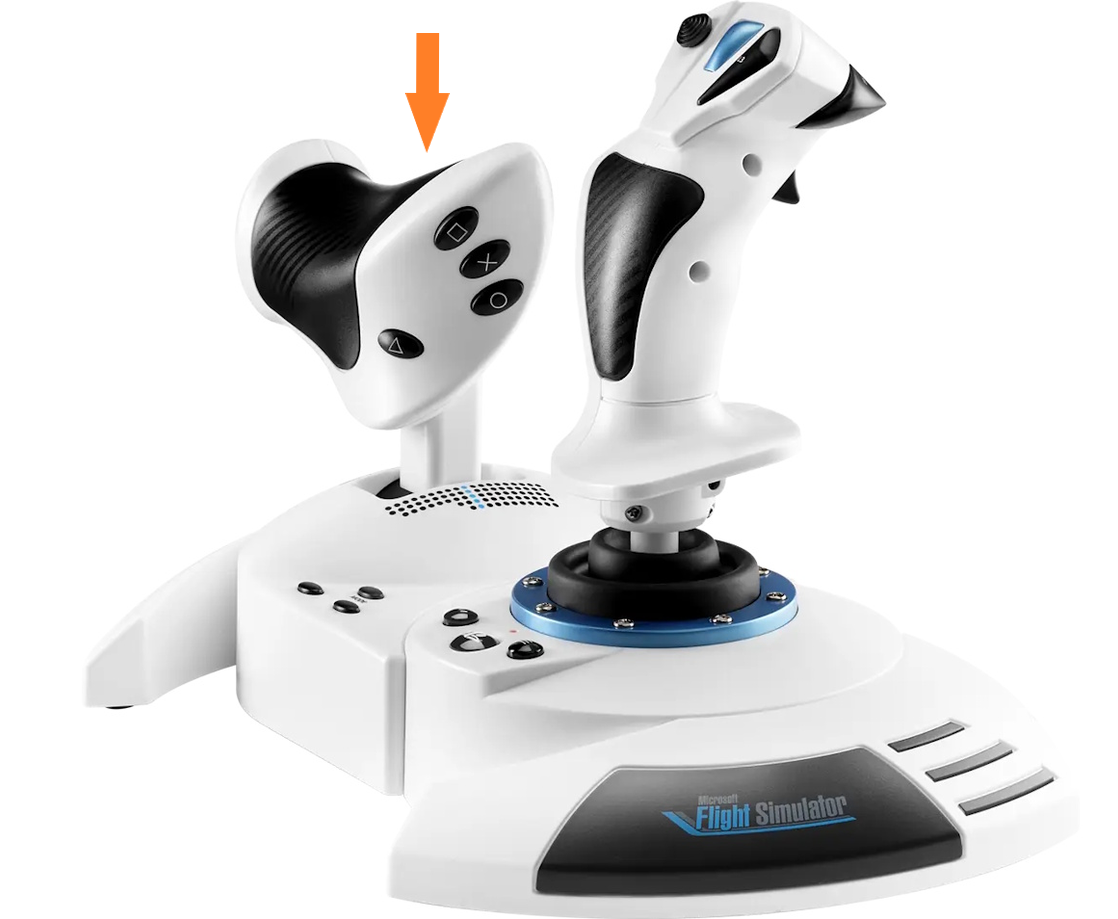
You will feel a detent when the throttle is physically at 50%.
4. Press the PS button to validate the calibration.
The LED stops flashing.
The calibration is now complete.