 English
  Français
 Deutsch
 Español
 Italiano
 Nederlands
 Português
 Русский
 中文 (中国)
 한국어
한국어 日本語
日本語 Svenska
 Türkçe
Product: Simtask Truck-40 Add-On Kit
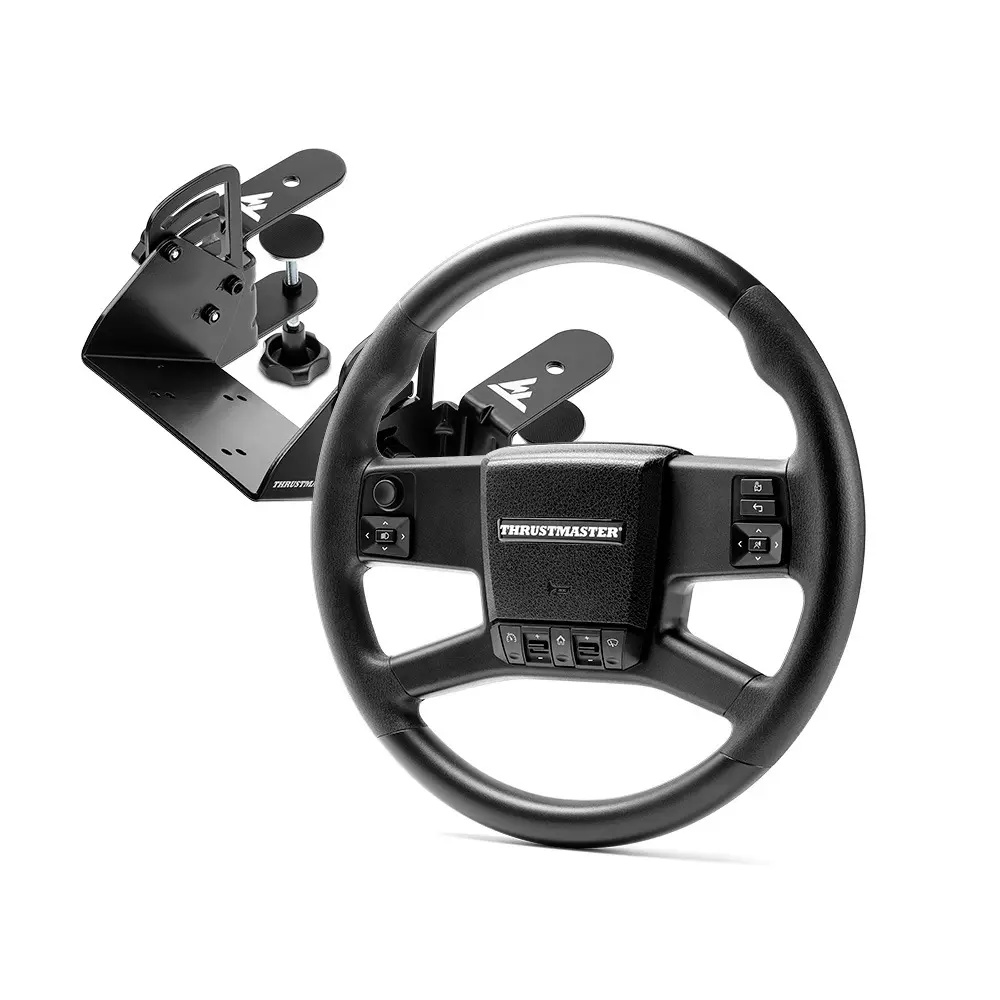
Required system: PC running Windows 10/11 or later natively
This article explains how to manually install the Simtask Truck-40 Add-On mapping for use with American Truck Simulator and Euro Truck Simulator 2 (PC versions).
Important: If you are using a Direct Drive wheel base (T598, T818), make sure your wheel base is up to date. Click here.
If you are using a Force Feedback wheel base (T300, TX, T-GT, T-GT II, TS-XW, TS-PC), make sure you have installed the latest 2026_TTRS driver. |
1. Completely close your game.
Make sure that Euro Truck Simulator 2 or American Truck Simulator is no longer running in Steam.
2. Download the mapping folder from our website.
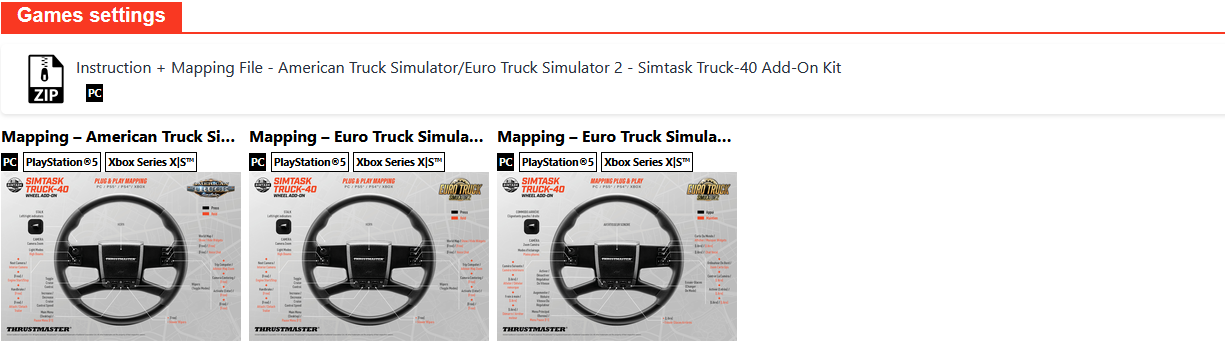
You will find the "Instruction + Mapping" download link in the "Games Settings" section.
3. Go to your game's Steam folder on your PC.
Open File Explorer on your PC and browse to:
Euro Truck Simulator 2 : Documents > Euro Truck Simulator 2 > steam_profiles.
American Truck Simulator : Documents > American Truck Simulator > steam_profiles.
4. Open the folder corresponding to your active profile.
The folder name contains a series of numbers.
5. Add the new mapping file.
In the ZIP folder you downloaded, you will find the file "controls.sii".

Copy and paste the "controls.sii" file into your profile folder.
6. Confirm the file installation.
When prompted by Windows, select "Replace the file in the destination".
7. Launch Euro Truck Simulator 2 or American Truck Simulator.
The "Plug & Play" mapping is now active.
You are ready to play.