 English
  Français
 Deutsch
 Español
 Italiano
 Nederlands
 Português
 Русский
 中文 (中国)
 한국어
한국어 日本語
日本語 Svenska
 Türkçe
Product: SimTask FarmStick (PC)
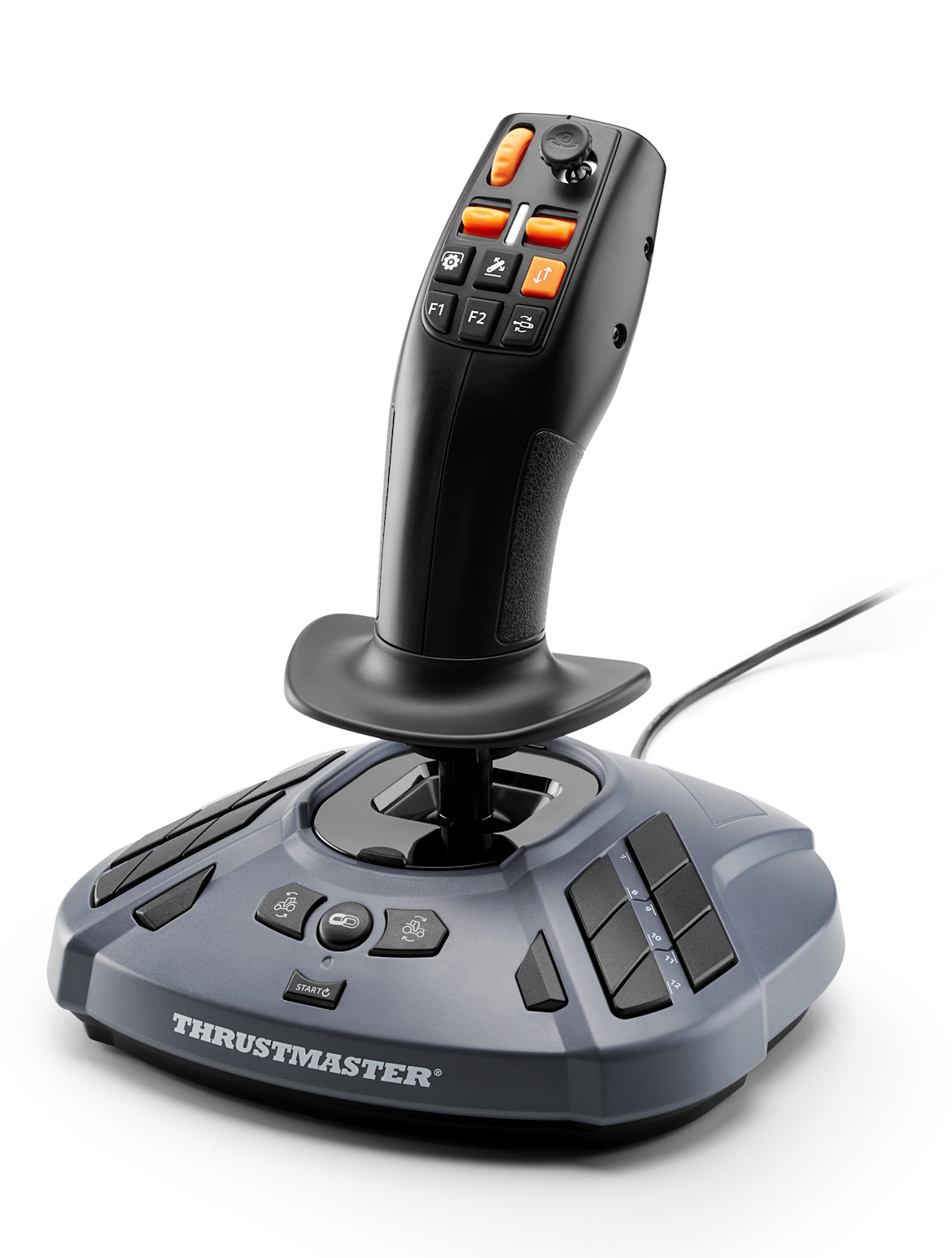
If you notice axis drift on your SimTask FarmStick (PC), we recommend checking the firmware version and updating it if necessary.
The latest firmware version may reduce or mitigate this drift behavior.
Important:
The recommendations in this article apply only to the SimTask FarmStick (PC) version.
1. Check software versions
Connect your FarmStick to your PC.
Open the Control Panel
This application is also used to manage right-handed / left-handed mode.
In the Firmware section, check that your SimTask FarmStick (PC) has the following versions:
Firmware: 1.14
H: 1.11
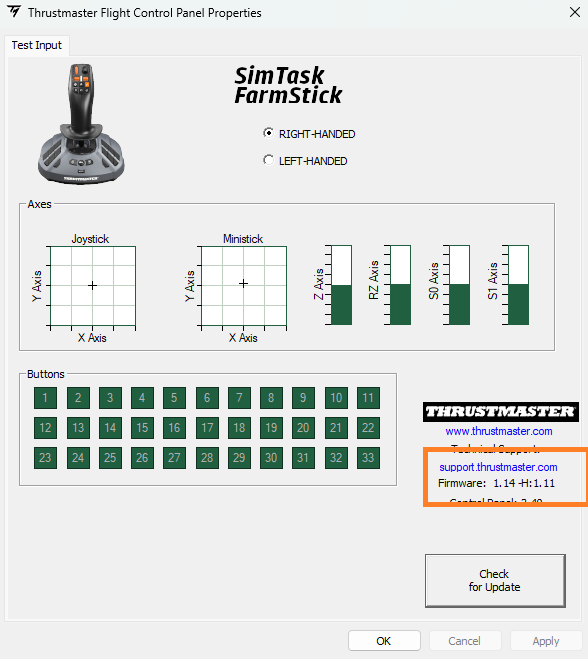
If this is not the case, close the Control Panel and proceed with updating the firmware.
2. Update the SimTask FarmStick (PC)
Make sure you have installed the latest driver: Drivers - Package_TFHT.
Open the firmware update tool
In the Windows search bar, type “Firmware Update”
Open the corresponding application
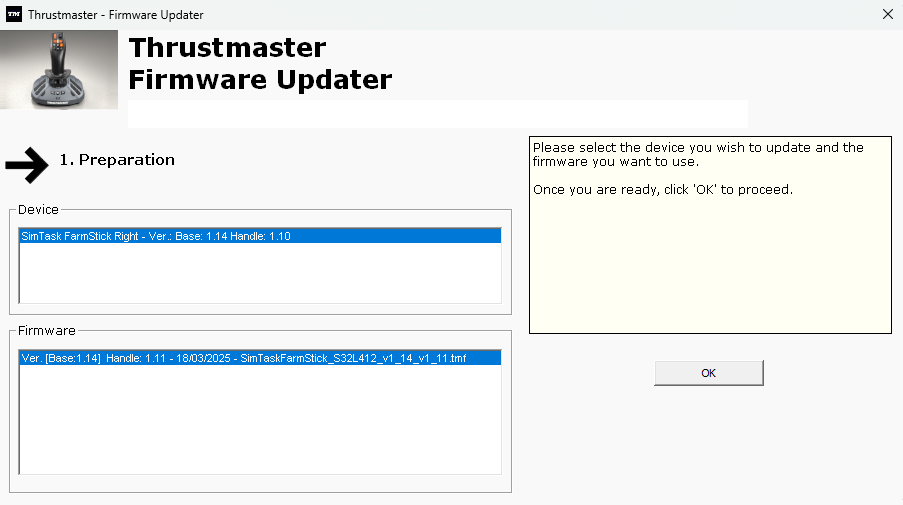
In the firmware updater, click OK.
Important: Do not disconnect the FarmStick during the update.
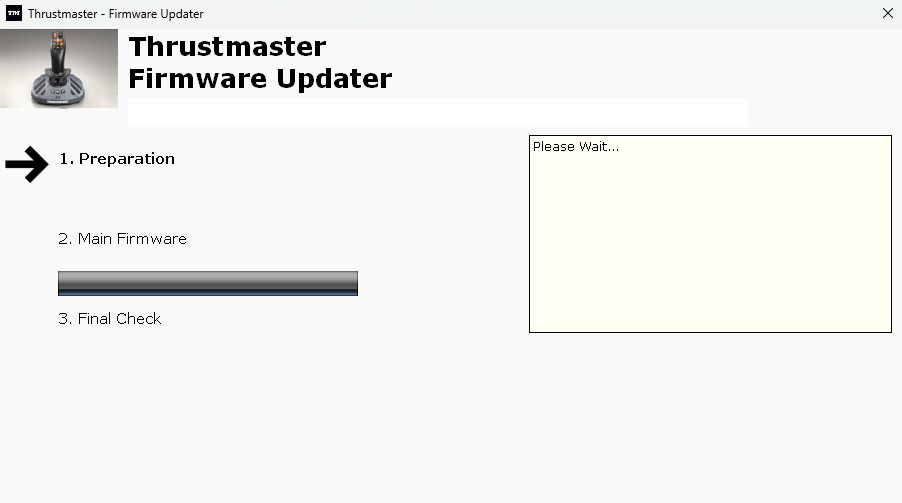
The tool will then prompt you to disconnect and reconnect the FarmStick.
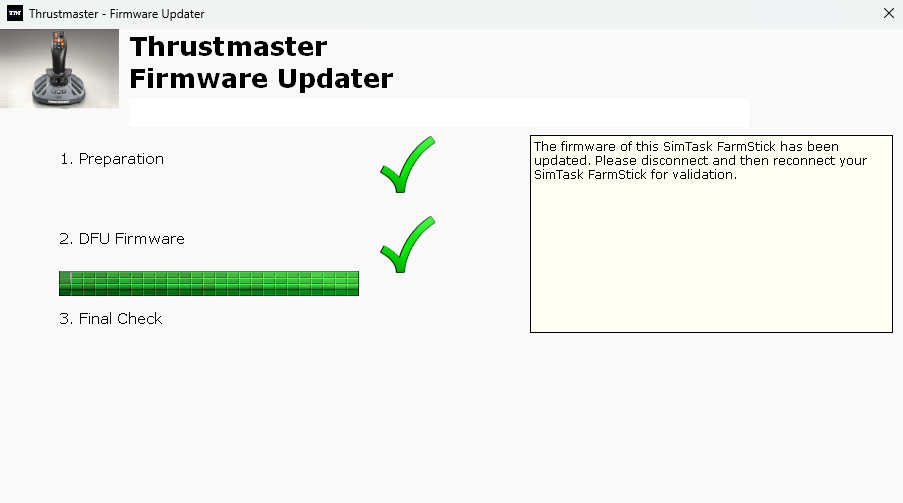
Once the process is complete, the update is confirmed.