 English
  Français
 Deutsch
 Español
 Italiano
 Nederlands
 Português
 Русский
 中文 (中国)
 한국어
한국어 日本語
日本語 Svenska
 Türkçe
Product: T248R
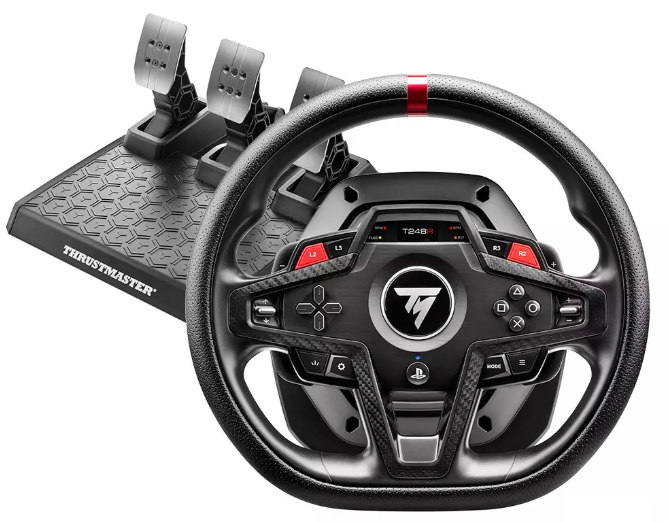
System requirements: My Thrustmaster Panel is available only on PC with Windows® 10/11 or later.
The wake‑up method (Bootloader) is a procedure that allows you to attempt to reinstall the firmware of the T248R if it no longer powers on, no longer calibrates, and is no longer recognized by the PC or game console, usually following a firmware loss.
The wake‑up method requires the use of My Thrustmaster Panel.
Important warning The Bootloader procedure must be used only if the T248R is completely inactive (no power‑on, no calibration, and no recognition by the PC or console).
It must not be applied if the racing wheel is functional or shows a different type of malfunction. |
1. Preparing for the wake‑up procedure
Disconnect the T248R from the USB port of the console or PC.
- We recommend disconnecting any other Thrustmaster device from the PC during the procedure.
Connect the power supply directly to a wall outlet.
- Do not use a power strip or extension cord!
Wait for the instructions before connecting the T248R to a USB‑A port on the PC.
2. Press and hold the SETTINGS button
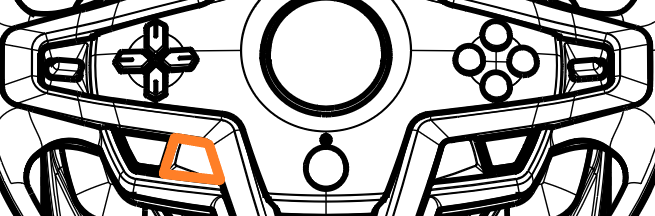
3. Connect the T248R to a USB‑A port on the PC while holding the SETTINGS button
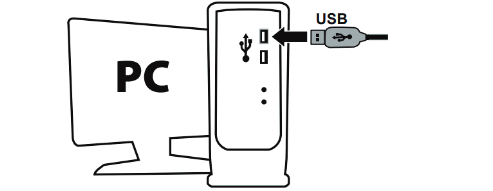
Wait 5 seconds, then release the SETTINGS button.
4. Open My Thrustmaster Panel
Click FIRMWARE RECOVERY.
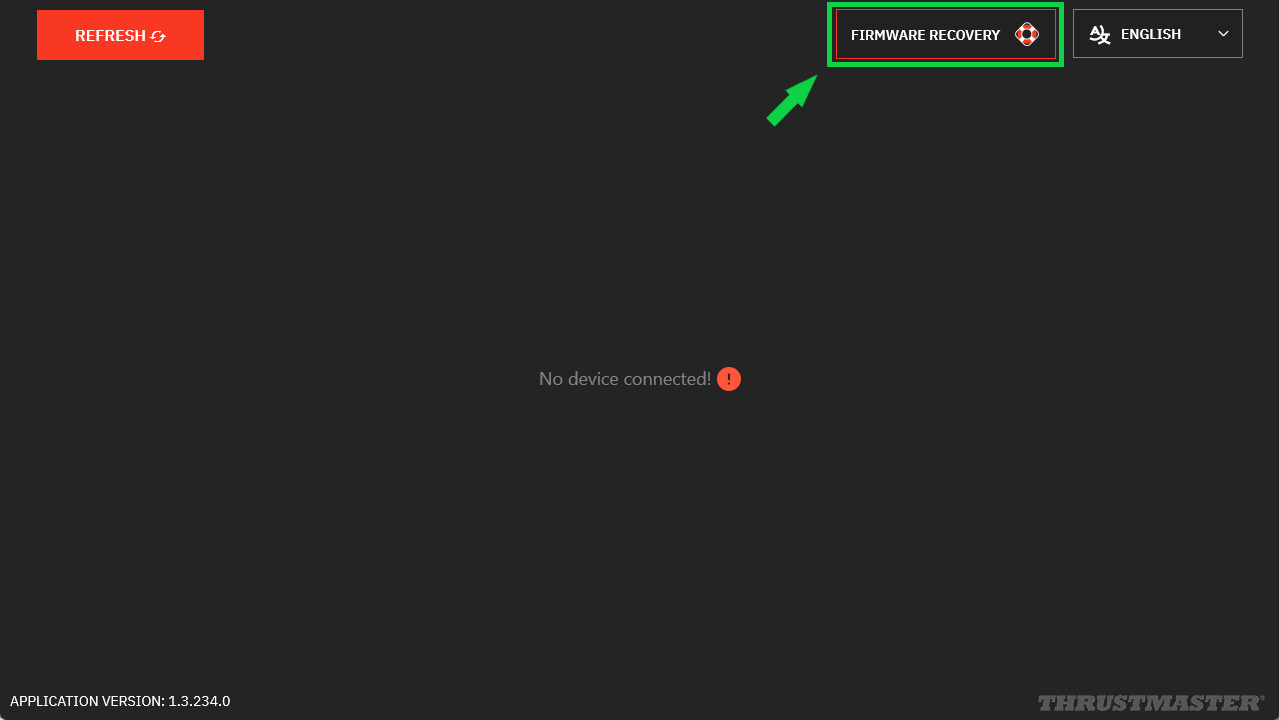
Click OPEN FIRMWARE UPDATER.
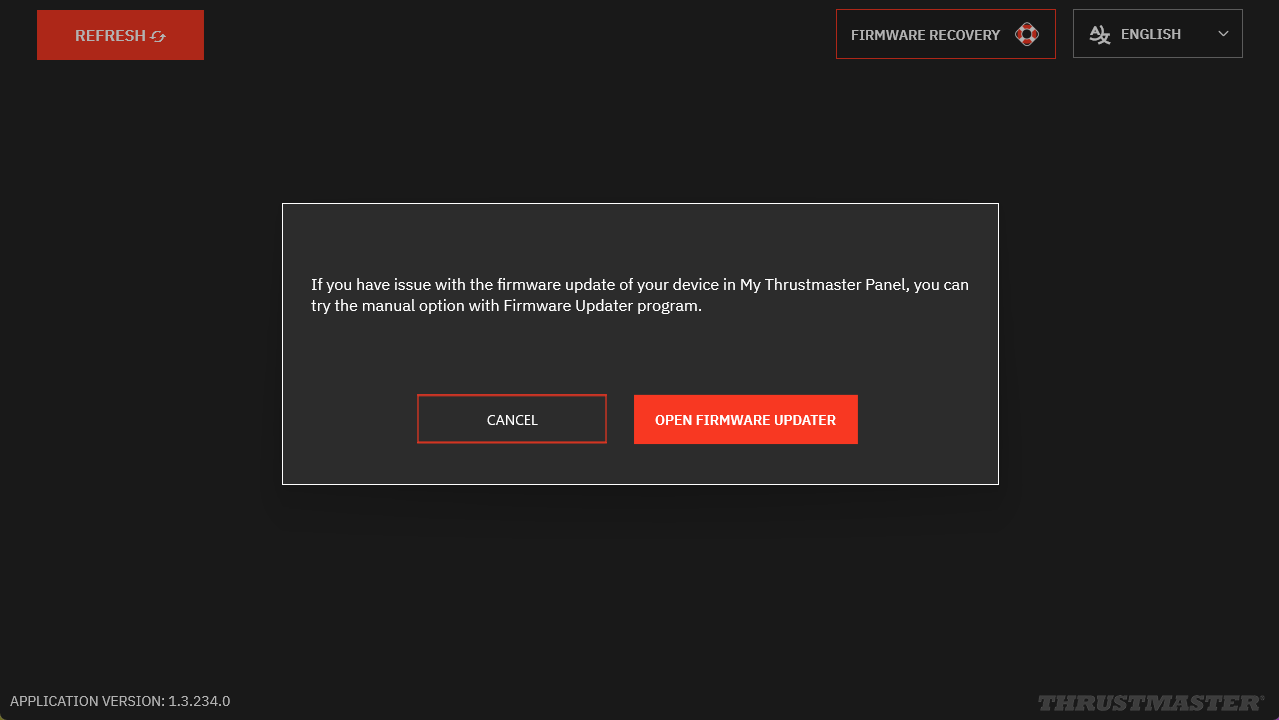
5. In FIRMWARE UPDATER
The “Thrustmaster – Firmware Updater” window opens:
- Device: your T248R appears in [Boot] mode
- Firmware: indicates the firmware version that will be applied
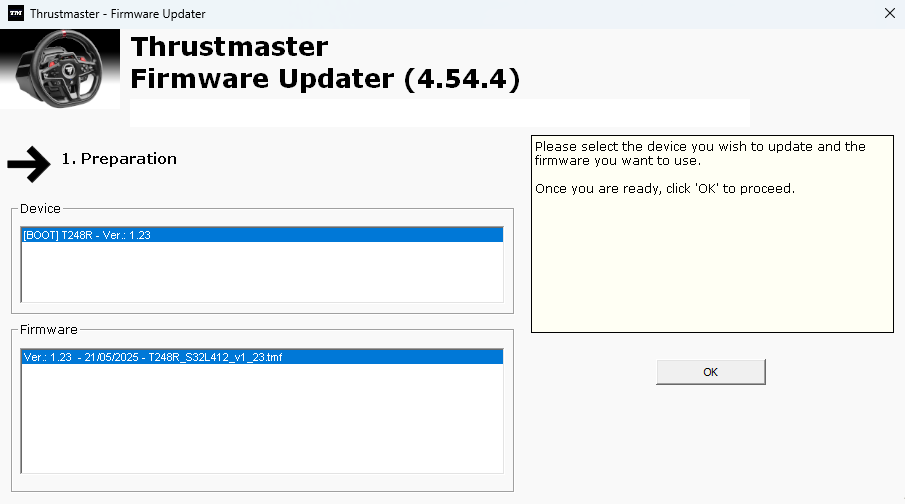
6. Click OK to start the firmware update
Wait for the firmware to load and DO NOT DISCONNECT the USB connectors, either on the wheel or on the PC.
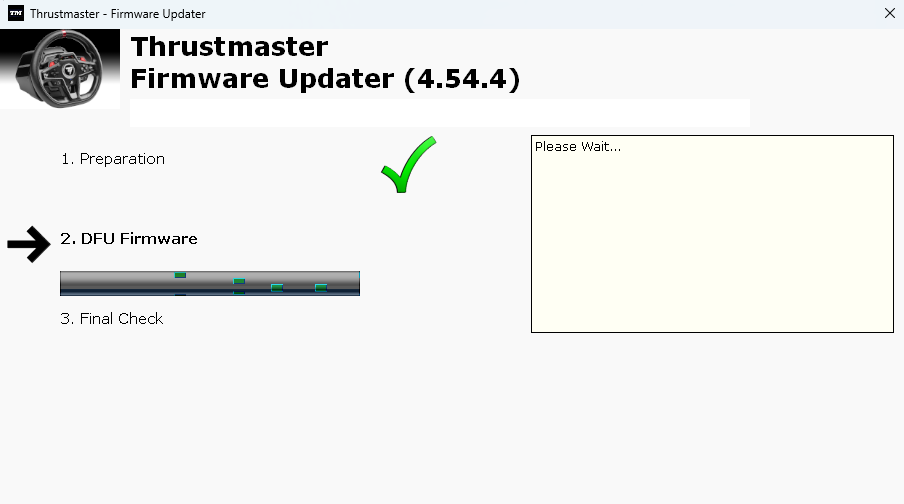
Note:
During the update, the LEDs on the wheel base remain off. This is normal; they will turn back on at the end of the procedure.
7. Disconnect and reconnect the T248R USB cable as requested
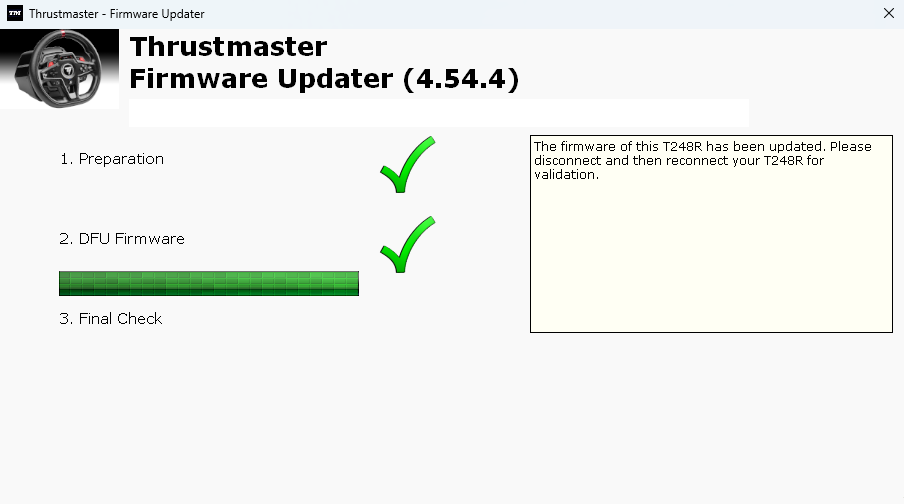
8. The update is confirmed
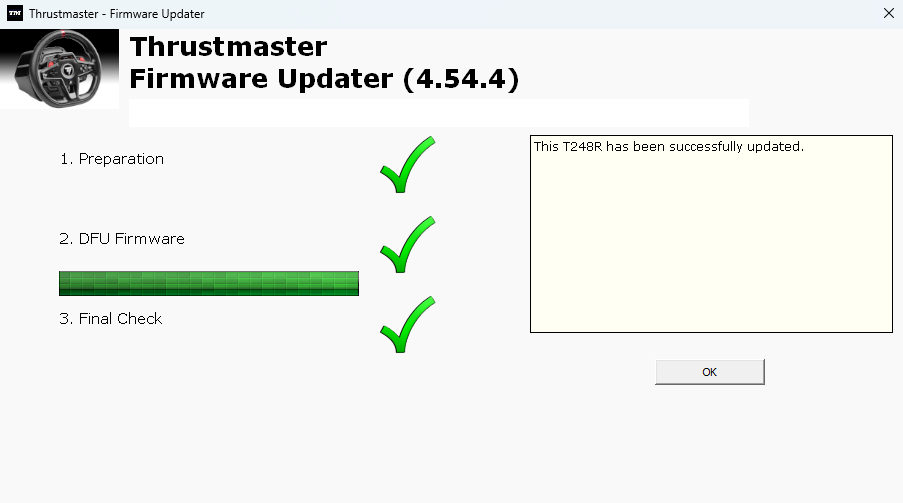
Click OK and close the FIRMWARE UPDATER window.
9. In My Thrustmaster Panel, click REFRESH
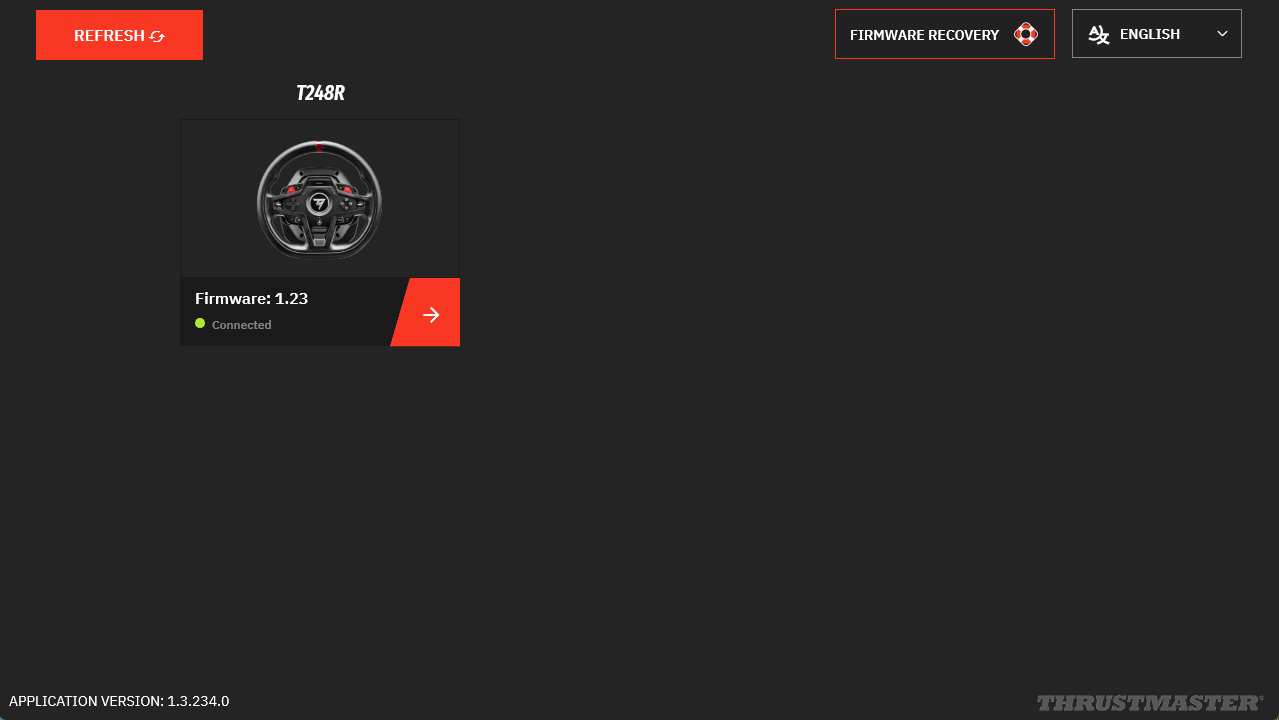
The wake‑up procedure is now complete.
If the procedure did not wake up the T248R:
- If possible, try the procedure again on another PC
- Try a different USB‑C / USB‑A cable
- Try using a different power outlet