 English
  Français
 Deutsch
 Español
 Italiano
 Nederlands
 Português
 Русский
 中文 (中国)
 한국어
한국어 日本語
日本語 Svenska
Product: Sol-R 1 Flightstick ; SOL-R Base
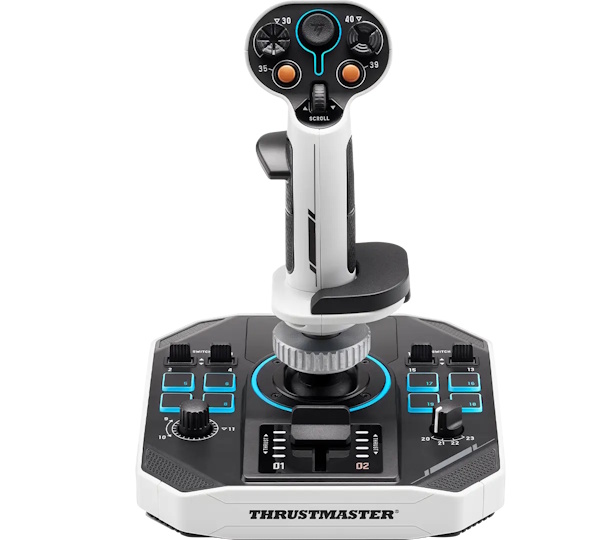
This article explains how to calibrate the Sol-R Flightstick Base. Calibration can help resolve certain issues, such as:
- The stick axis jumps directly from 0% to 100%
- Drift or jitter on the stick or mini-stick
- Missing or incorrect signal on the RZ axis
Important:
The Sol-R Flightstick must be mounted on the Sol-R base.
1- Unplug the Sol-R 1 Flightstick before starting
2- Make sure all axes are in their neutral positions
- The flightstick must be at rest: straight and centered, without touching it.
- The throttle lever must be in the lowest position.
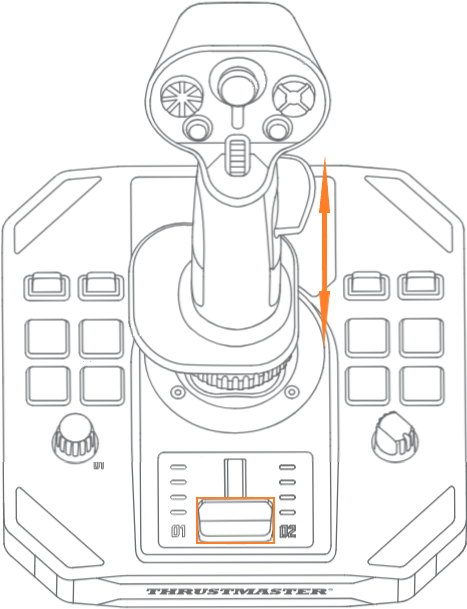
3- Press and hold buttons 18 and 19
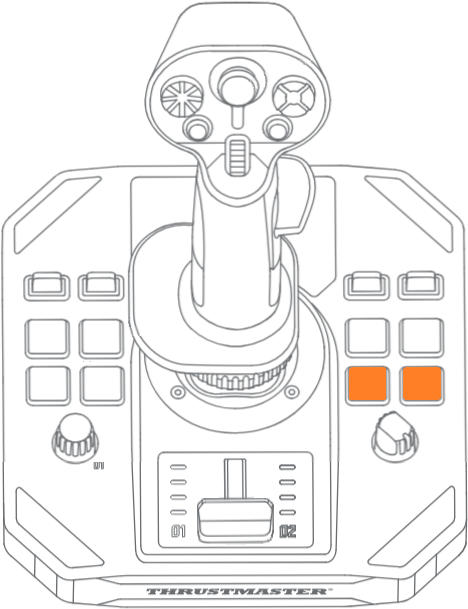
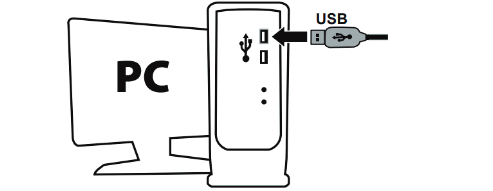
4- While holding buttons 18 and 19, connect the Sol-R 1 Flightstick to a USB port on your PC
- The LEDs on both sides of the throttle lever will flash slowly.
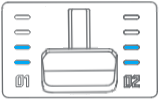
5- Release buttons 18 and 19
6- Press and release button 8
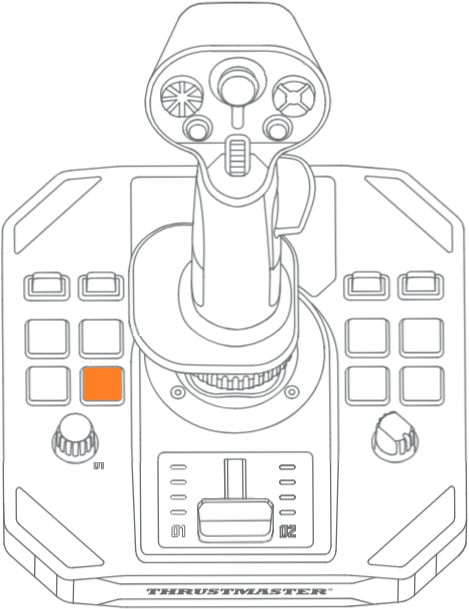
- The LEDs on both sides of the throttle lever will flash faster.
7- Calibrate the throttle lever
- Push the throttle lever to its highest position, without forcing.
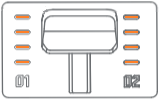
- Pull the throttle lever back to its lowest position, without forcing.
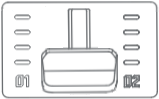
8- Calibrate the flightstick
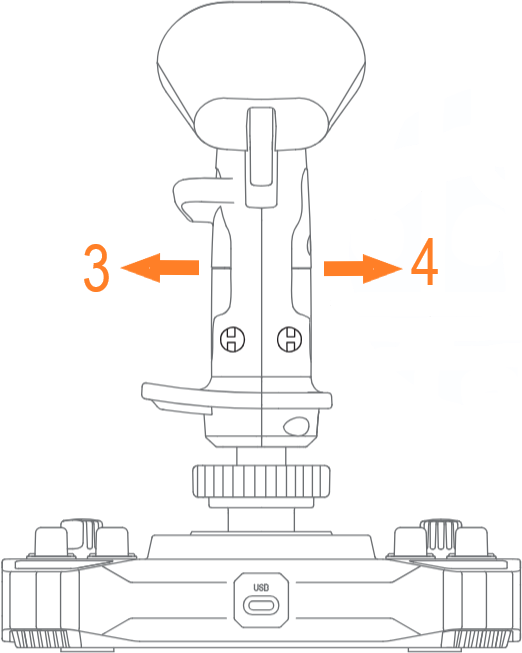
Move the flightstick to its maximum range in all four directions, without forcing. Each time, it must reach the stop and then return to center.
- Push the stick forward to its maximum stop, then return to center.
- Pull the stick backward to its maximum stop, then return to center.
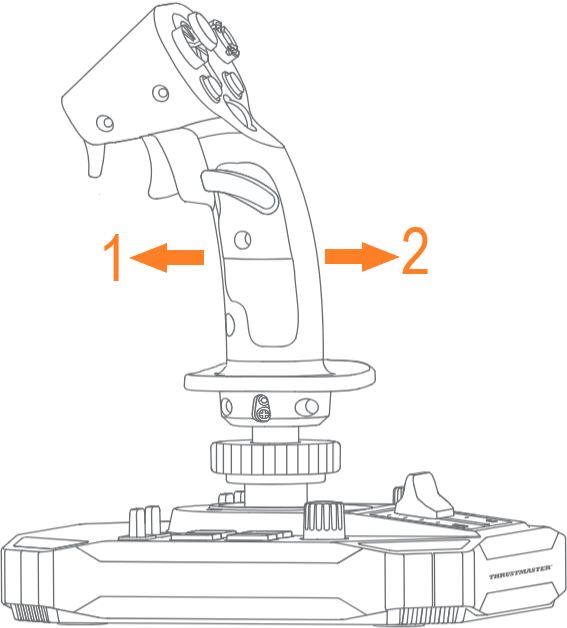
- Move the stick fully left to the stop, then return to center.
- Move the stick fully right to the stop, then return to center.
9- Press and release button 8
- The LEDs will stop flashing.
10- Unplug the Sol-R 1 Flightstick, then reconnect it
Calibration is now complete.